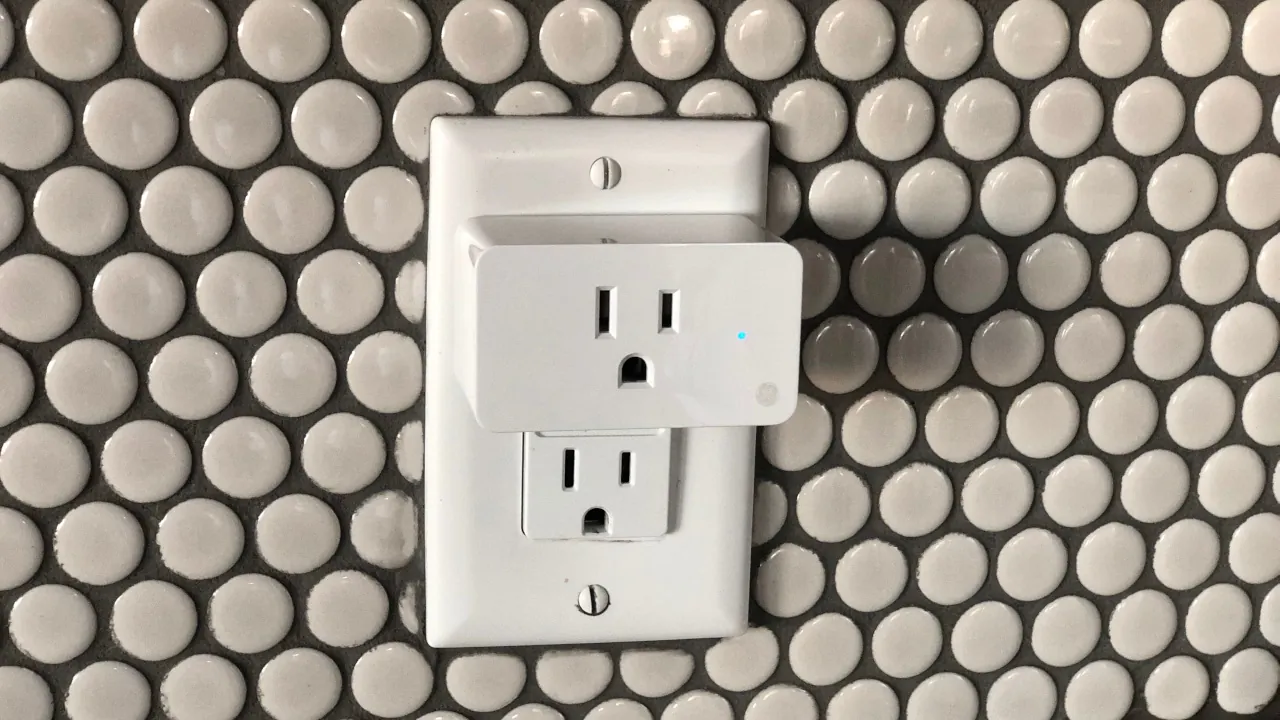
Smart plugs are the absolute easiest and cheapest way to start building a smart home. They instantly upgrade your “dumb” appliances—like lamps, coffee makers, and fans—so you can control them from your phone or with your voice. In 2026, you shouldn’t buy a plug unless it supports [LINK: Matter]. Matter ensures your plug will work perfectly with Apple Home, Google Home, Amazon Alexa, or Samsung SmartThings, so you are never locked into one brand.
We looked at the data for the newest 2026 hardware, and if you want the absolute best bang for your buck without sacrificing reliability, here are the top value picks.
1. The Overall Best Value: TP-Link Tapo P110M
The [LINK: TP-Link Tapo P110M] is our top recommendation for most people. While it costs a bit more than bare-bones budget plugs (usually around $23 for a single unit), it packs premium features you normally only find in plugs twice its price.
Key Features Explained:
- Universal Compatibility: Because it uses Matter over Wi-Fi, you can set it up in seconds and share it across multiple ecosystems.
- Advanced Energy Monitoring: The plug actively tracks your energy usage in kilowatt-hours (kWh) and can even report energy fed into the grid if you use a balcony solar plant. You can use this data to find out exactly which appliances are running up your electricity bill.
- Compact Design: It is small enough that it won’t block the second wall outlet.
Pros & Cons
- Pros: Outstanding energy reporting, extremely reliable connection, works with all major smart home platforms.
- Cons: At roughly $23 a plug, it gets expensive if you want to outfit your entire house.
2. The Best Bulk Bargain: Linkind Matter Smart Plug
If you just want to add smart controls to a bunch of holiday lights or simple fans, you don’t need energy monitoring. The [LINK: Linkind Matter Smart Plug] is the ultimate bulk-buy solution for 2026.
Key Features Explained:
- Unbeatable Price: You can regularly find a 4-pack on sale for around $24, breaking down to just $6 per plug.
- The Smart-Home Escape Hatch: Like the Tapo, it uses Matter over Wi-Fi, meaning you can easily switch from Alexa to Apple Home next month without having to replace all your hardware.
Pros & Cons
- Pros: Dirt cheap per plug, easy Matter QR-code setup, standard 15A limit handles most appliances safely.
- Cons: No energy monitoring, and lacks the advanced scheduling features you get inside premium brand apps.
Who Are These Plugs Actually For?
- Homeowners wanting to lower their bills: Get the TP-Link Tapo P110M. The energy monitoring will help you hunt down power-hungry appliances and set automations based on thresholds.
- Renters or Beginners on a strict budget: Get the 4-pack of Linkind plugs. It is the cheapest, lowest-risk way to experiment with smart home automations without accidentally locking yourself into the wrong ecosystem.