
Troubleshooting
Practical fixes for offline devices, unresponsive routines, and annoying wireless interference issues.
Common fixes: smart bulbs that go offline, smart locks that eat batteries, cameras that stop working and robot vacuums that get stuck. If nothing helps, a factory reset is the last step.
-
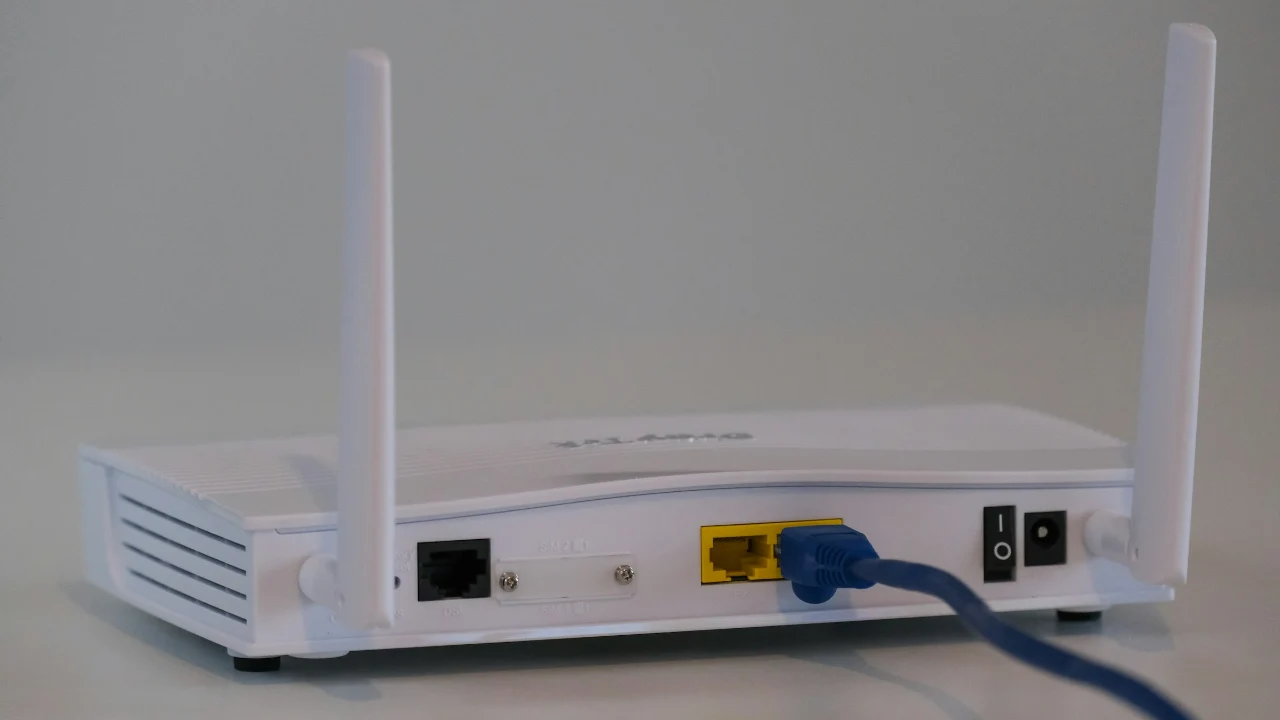
Changed Your Router or Wi-Fi Name? How to Reconnect Smart Devices Without Resetting Them All
New router or new Wi-Fi name? Here is how to reconnect your smart devices brand by brand, and which ones can skip…
-
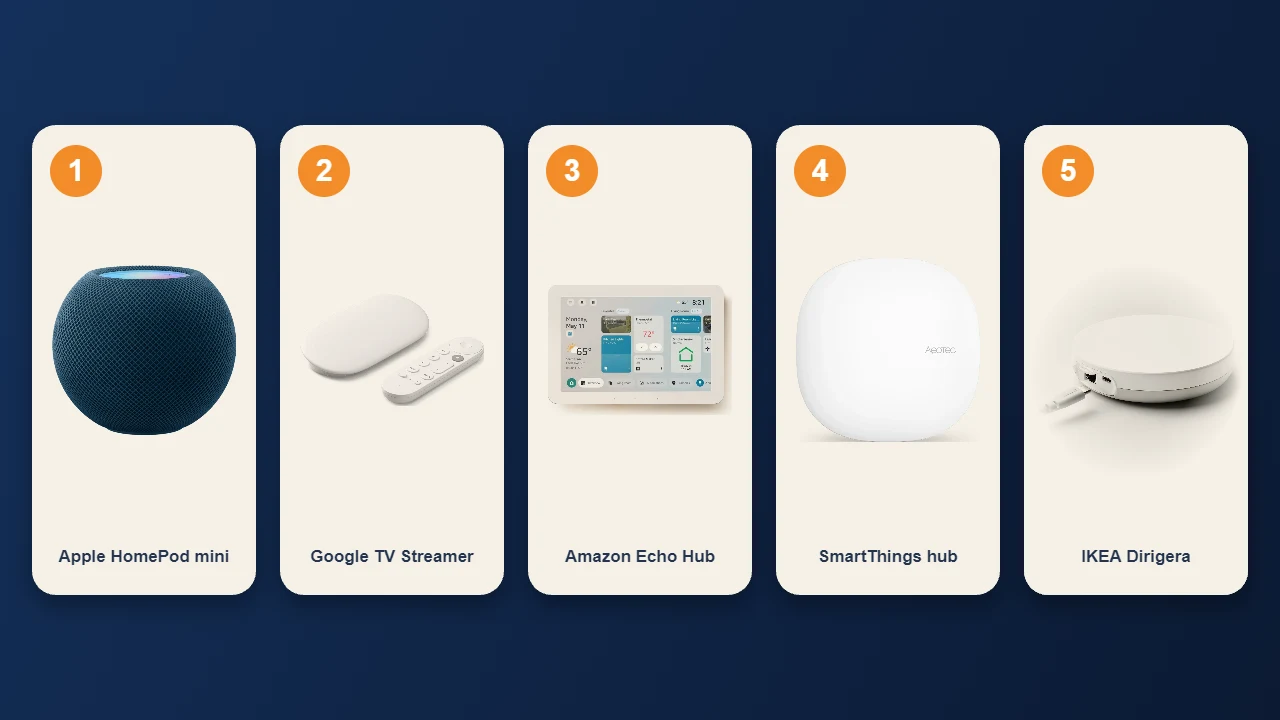
Why Do I Have Five Thread Networks in My Smart Home?
Five Thread networks in one home? It is more common than you think. Here is why it happens, whether it causes dropouts,…
-
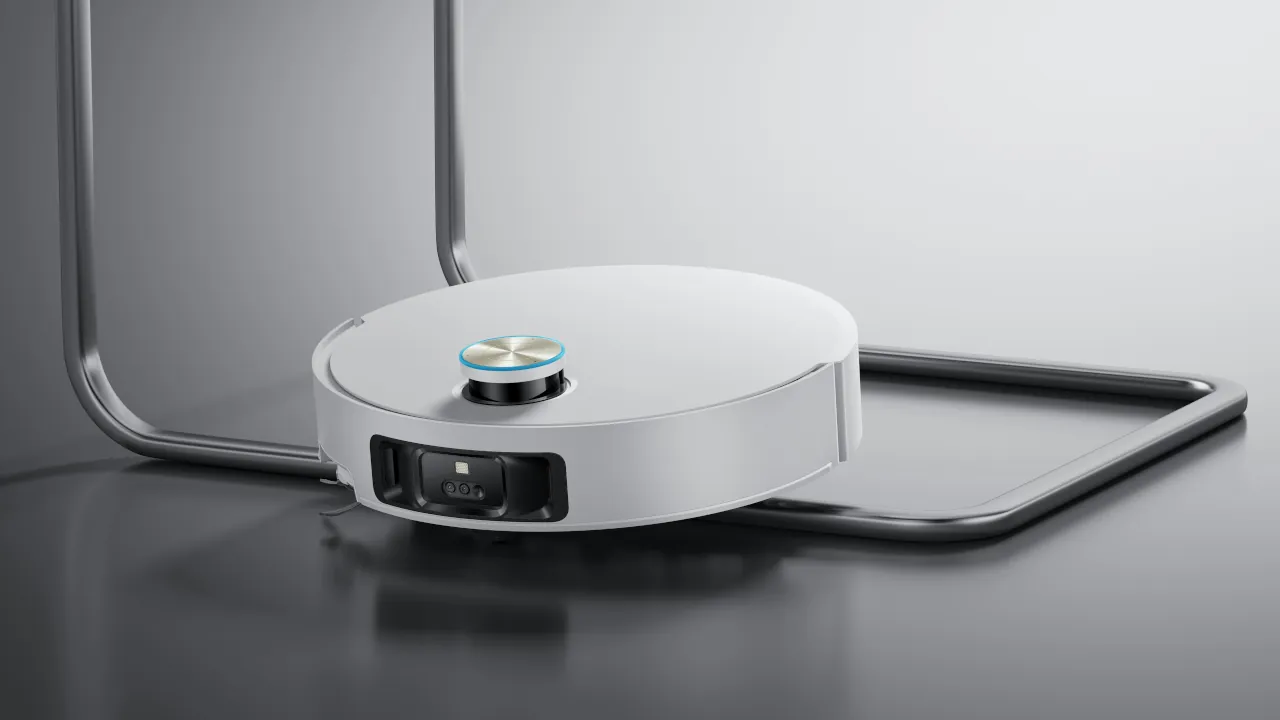
Stop Your Robot Vacuum From Getting Stuck
A robot vacuum that keeps getting stuck is one of the most common complaints owners run into after the first few weeks…
-
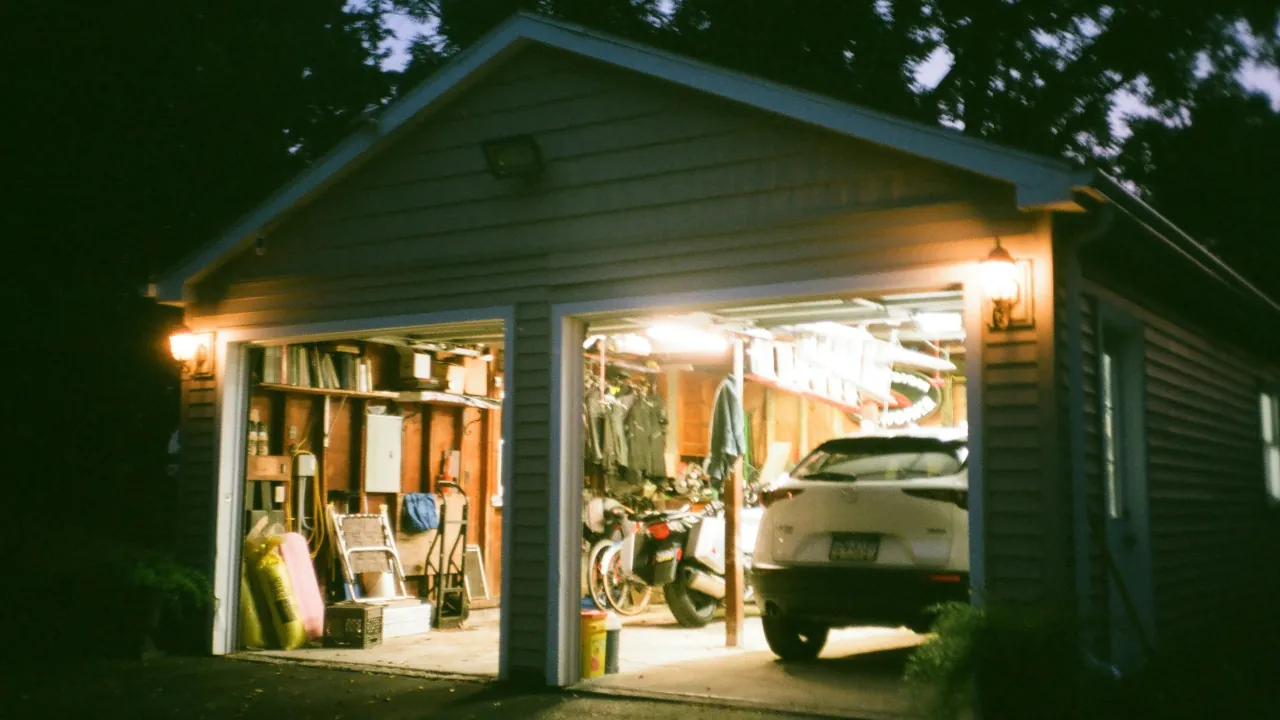
Fix Zigbee Dead Zones With One Simple Trick
You attach a brand new window sensor to your detached garage. You open the app, and the sensor immediately shows as offline.…
-
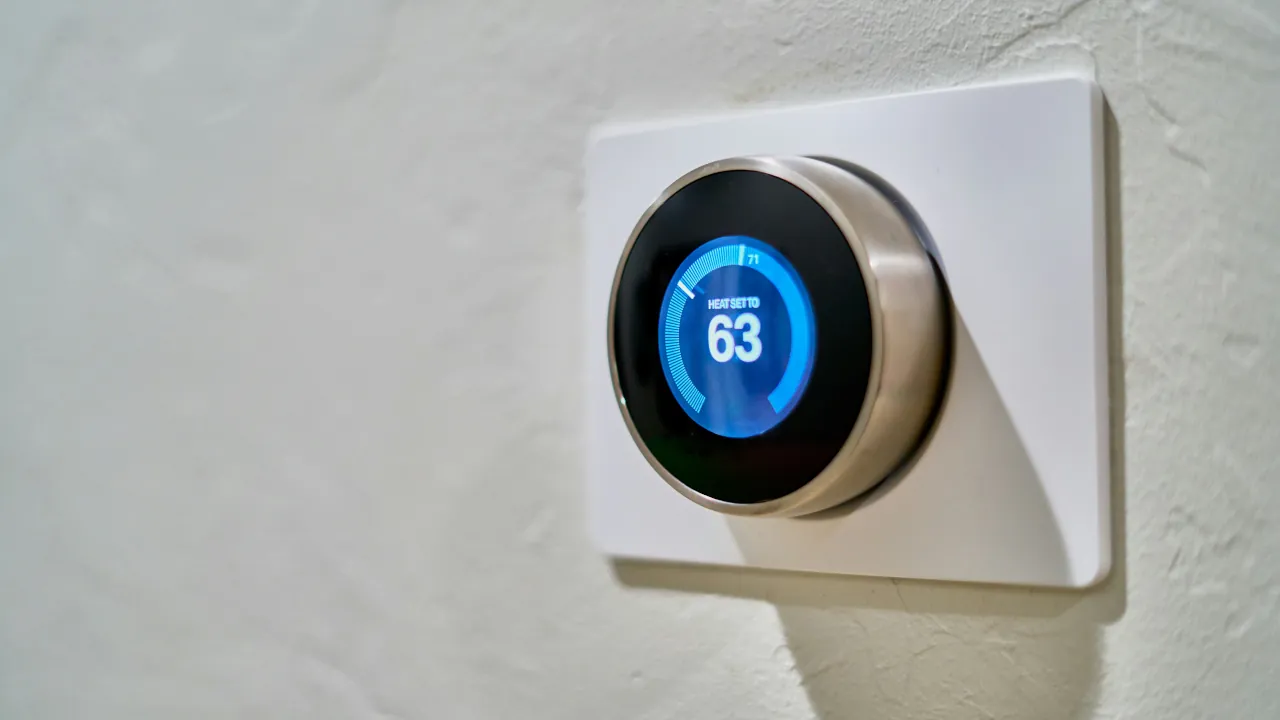
Stop Smart Thermostat Temp Reading Errors
You set your new smart thermostat to a cozy seventy degrees, but you are still wearing a heavy sweater inside your own…
-
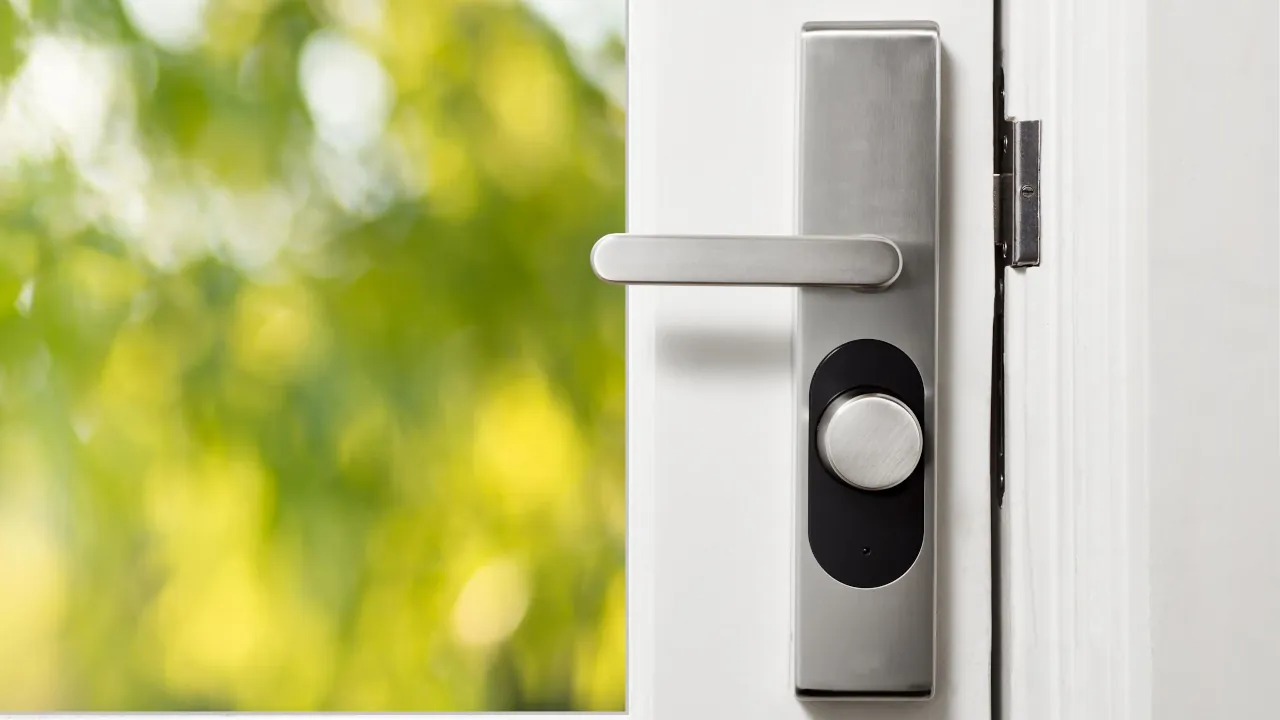
Stop Smart Lock Battery Drain
Swapping AA batteries every three weeks is incredibly frustrating. Most people blame the hardware when a smart lock dies quickly. However, the…
-
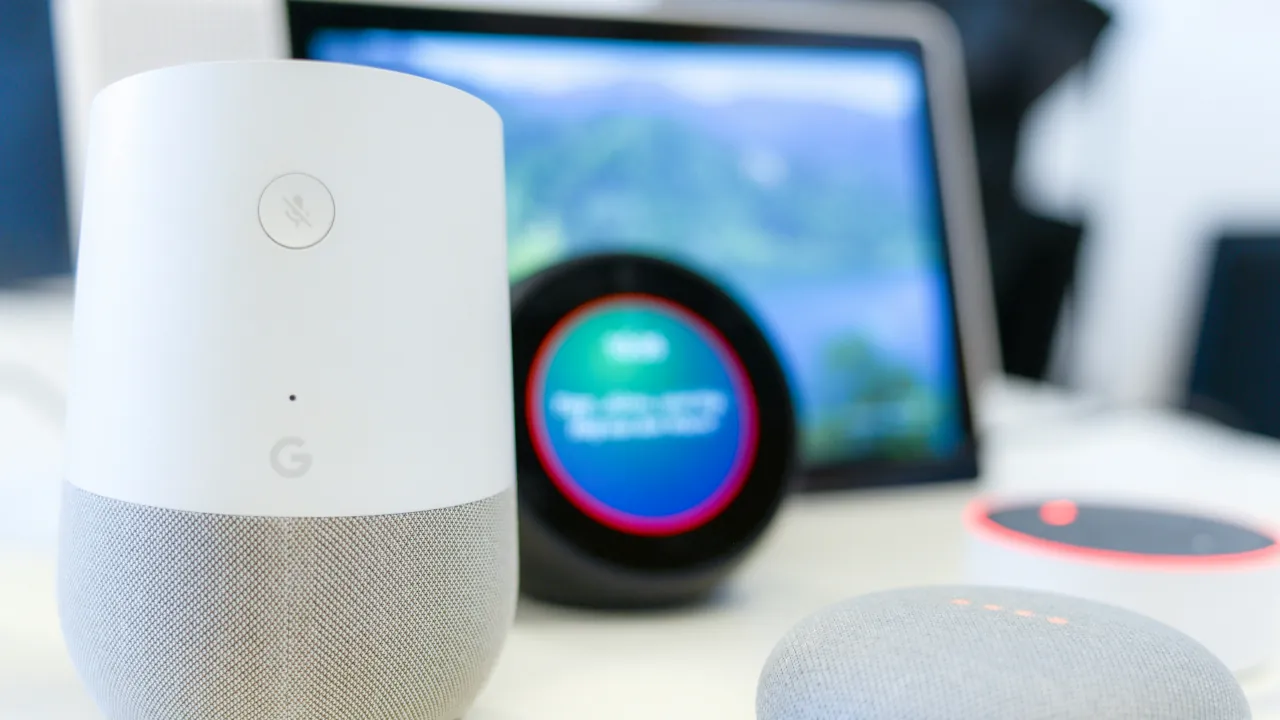
Fix Voice Assistant Naming Errors
We have all been there. You ask your voice assistant to turn on the lights, and it replies that it found multiple…
-

Simple Fixes for Offline Smart Bulbs
Opening your smart home app and seeing your smart light bulb listed as offline stops your daily routine in its tracks. You…
-
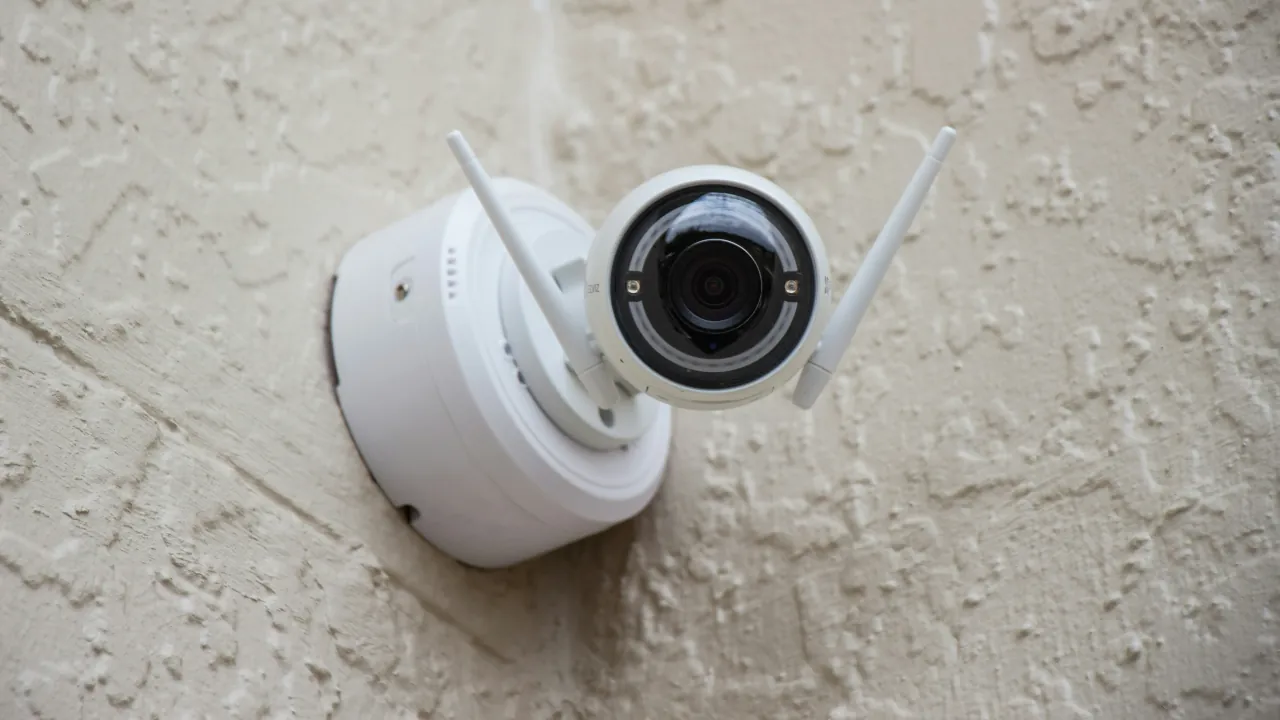
Smart Camera Troubleshooting
A smart security camera is only useful if it actually catches the action. When your video feed drops or night vision fails,…