
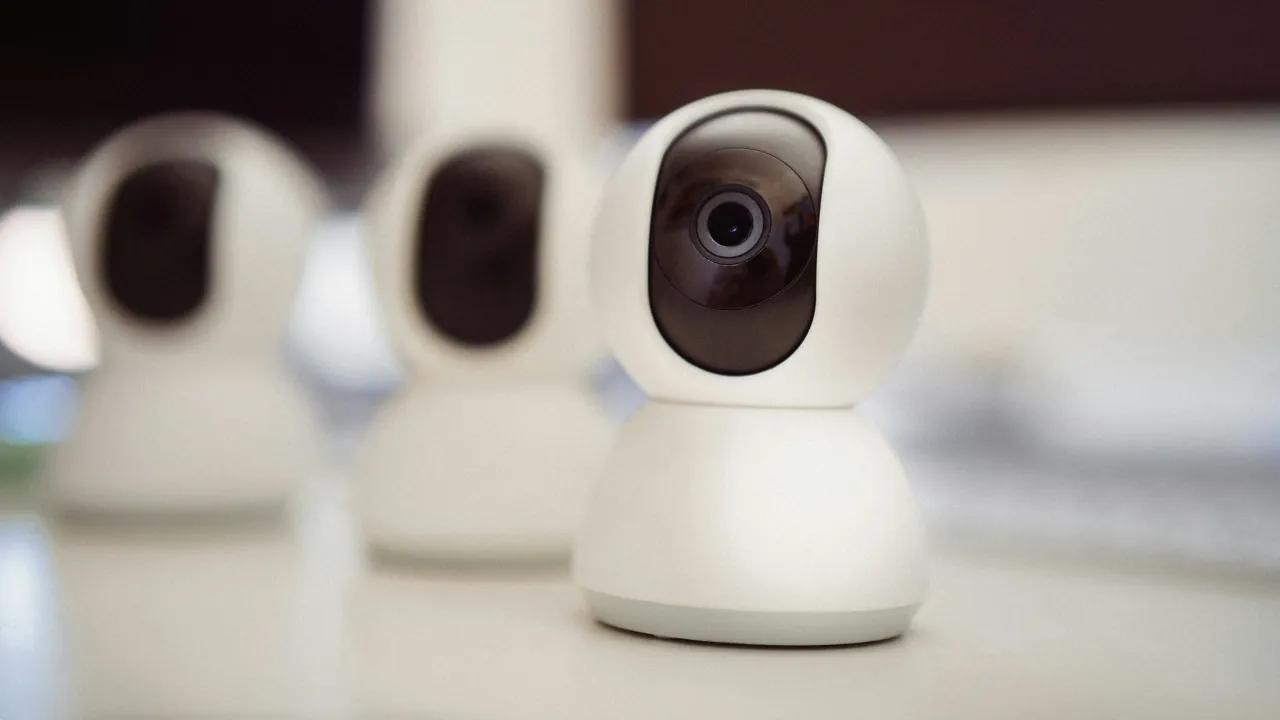
Apple’s smart cameras come with a hidden iCloud tax that is easy to miss when you buy one. HomeKit Secure Video needs a paid iCloud+ plan to save any recordings. On top of that, the newest Apple Intelligence camera features only work on the larger plans, and only for a limited number of cameras.
How HomeKit Secure Video Works
HomeKit Secure Video is Apple’s private system for storing security camera footage. Your camera does not send raw video straight to the camera maker’s cloud. Instead, it sends the footage to a home hub, such as an Apple TV 4K or HomePod.
The hub checks the footage right inside your house, encrypts it, and then uploads it to iCloud. Only you and the people you share your home with can view it.
Think of the home hub as a private mail room. Every package gets sealed before it leaves the building, so nobody along the way can peek inside.
- Live view is free: You can watch a live camera feed without any iCloud+ plan.
- Recordings need iCloud+: Saving clips from the last 10 days requires a paid plan.
- Footage does not eat your storage: Camera recordings do not count against your iCloud storage limit.
- Family plans count: If someone in your Family Sharing group pays for iCloud+, you can use it too.
The Hidden iCloud Tax, Explained
The iCloud tax comes in two layers. The first decides how many cameras can record. The second decides how many cameras get the new AI features.
Layer 1: Recording. Your iCloud+ plan sets how many cameras can save footage:
- 50GB plan: 1 camera
- 200GB plan: Up to 5 cameras
- 2TB, 6TB, and 12TB plans: Unlimited cameras
Layer 2: Apple Intelligence. With iOS 27, the Home app can write short text summaries of what your cameras saw. It can also search clips by description and stitch footage from several cameras into one video. These extras have their own, much tighter camera limits:
- 2TB plan: 1 camera
- 6TB plan: 2 cameras
- 12TB plan: 5 cameras
Think of it like a hotel booking. The room fits your whole family, but breakfast is only included for one or two guests.
Apple notes on its Apple Support page that these camera counts may change over time. For current monthly costs, see our breakdown of Apple Home AI pricing.
iOS 27 also adds 4K recording for supported cameras. This upgrade does not rely on Apple Intelligence. However, Apple has not yet published a list of cameras that qualify, so check with your camera maker first.
Which iCloud+ Plan Fits Your Cameras
The right plan depends on how many cameras you own and whether you care about the AI extras.
- A single camera or doorbell: The smallest iCloud+ plan covers recording for one camera.
- Two to five cameras: The 200GB plan records from all of them, but it does not include the AI features.
- You already pay for 2TB: A shared 2TB family plan or Apple One Premier gives you unlimited recording plus AI on one camera, at no extra cost.
- You want AI on several cameras: You need the 6TB or 12TB plan, which are Apple’s most expensive tiers.
Check your Apple One tier before upgrading. Individual includes 50GB, Family includes 200GB, and only Premier includes 2TB.
To use the AI features, you also need a home hub and an iPhone that supports Apple Intelligence. If you would rather skip subscription fees entirely, our guide on avoiding cloud subscription fees with local storage is worth a look.
Updated September 2026 with the final iOS 27 camera limits.



