
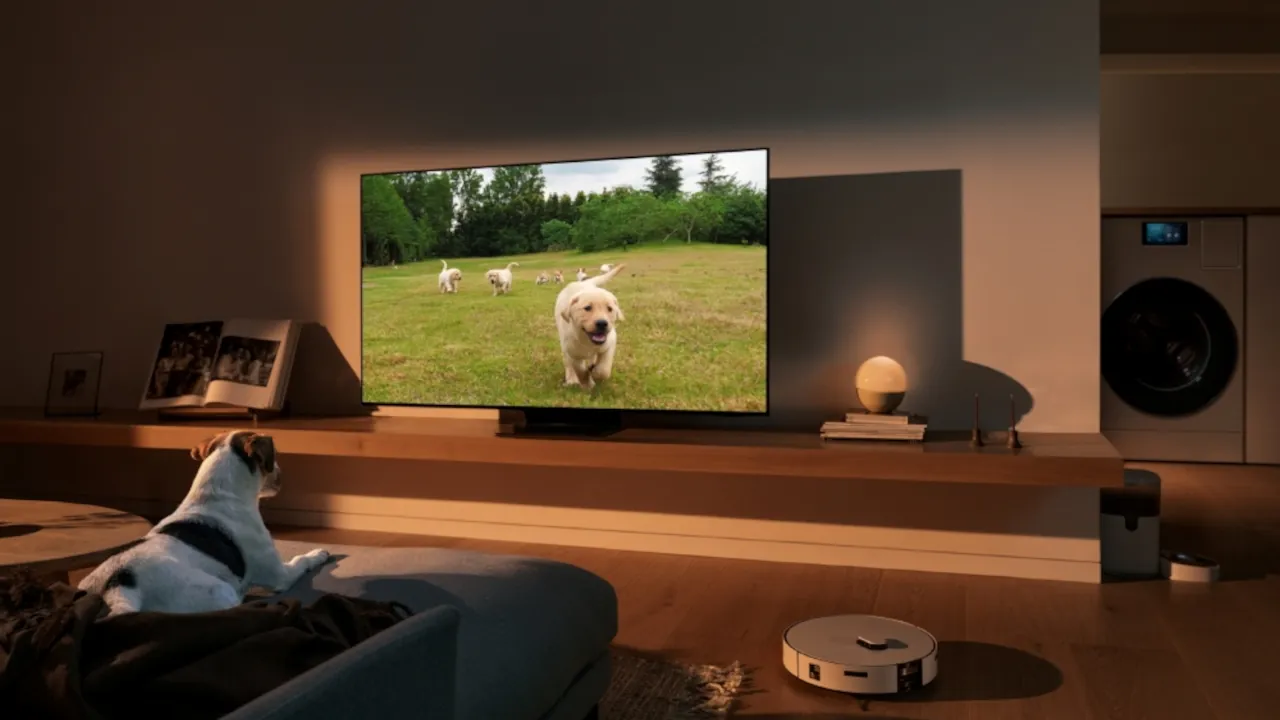
You bring home a smart bulb from one brand, a video doorbell from another, and a smart lock from a completely different company. Before you know it, you have a separate folder on your phone stuffed with different apps just to turn off the lights and lock the front door. This is a common headache for everyday users who buy devices as they need them. Fortunately, you do not need to replace your entire setup to get everything working together. Samsung SmartThings acts as the perfect middleman to unify your mixed gadgets into one easy control panel.
The Problem With Brand-Specific Apps
When you buy a smart plug or a smart bulb, the manufacturer usually wants you to use their specific application. If you stay loyal to one single brand, this works perfectly fine. However, most people shop for the best deals or specific features, which leads to a messy collection of different brands.
This causes two major issues. First, opening four different apps just to shut down your house for the night is tedious. Second, devices from different brands cannot talk to each other. Your motion sensor from brand A cannot trigger your smart bulb from brand B because they speak entirely different languages.
How SmartThings Acts as a Universal Translator
Think of Samsung SmartThings like a highly skilled interpreter at a global summit. Instead of forcing all of your devices to speak the same language, SmartThings listens to all of them, translates their signals, and presents them to you in one clean dashboard.
Here is why this approach changes everything:
- Single App Control: You can monitor your cameras, check your locks, and adjust your thermostat all from one screen.
- Cross-Brand Routines: You can create rules that ignore brand boundaries. For example, unlocking your front door can automatically turn on your hallway lights, even if they are made by completely different companies.
- Broad Compatibility: SmartThings integrates with thousands of products from hundreds of different manufacturers, making it one of the most versatile platforms available today.
You Might Already Own a SmartThings Hub
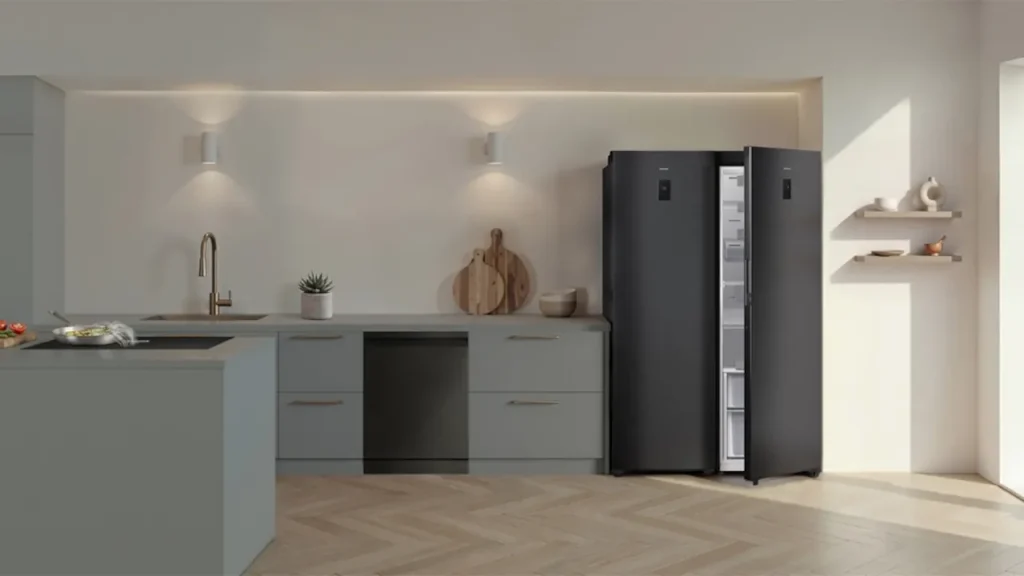
To connect certain types of devices, you need a physical hub to manage the network traffic. The great news is that Samsung has been quietly building this technology directly into their other products.
If you have purchased a recent Samsung television, a smart monitor, or even a Family Hub refrigerator, you might already have a fully functioning hub sitting in your house. You can find out how to activate it by checking out our guide on the secret SmartThings hub hiding in your living room. This saves you the trouble and expense of buying a standalone hub to get started.
Preparing for the Future With Matter
The smart home industry is currently shifting toward a universal standard that guarantees devices will work across any platform. Samsung SmartThings is fully updated to support this new standard.
When you connect a Matter-certified device to SmartThings, it pairs instantly and communicates securely over your local network. If you are curious about how this specific technology future-proofs your house, read our breakdown on why your smart home needs Matter and Thread. SmartThings embraces these new protocols alongside older connections, ensuring your older gadgets and your brand new purchases operate side by side.
Moving Your Devices Over
If you are ready to ditch the clutter and bring your existing gadgets into the SmartThings ecosystem, you will likely need to unpair them from their original apps first. Devices often lock themselves to their first network for security reasons. If your devices refuse to connect to SmartThings, you will need to wipe their memory first. You can follow our step-by-step instructions on how to factory reset smart home devices to get them ready for their new universal home.
Once everything is connected, you can finally enjoy a smart home that works as one unified system.
Image Credit: Samsung



