
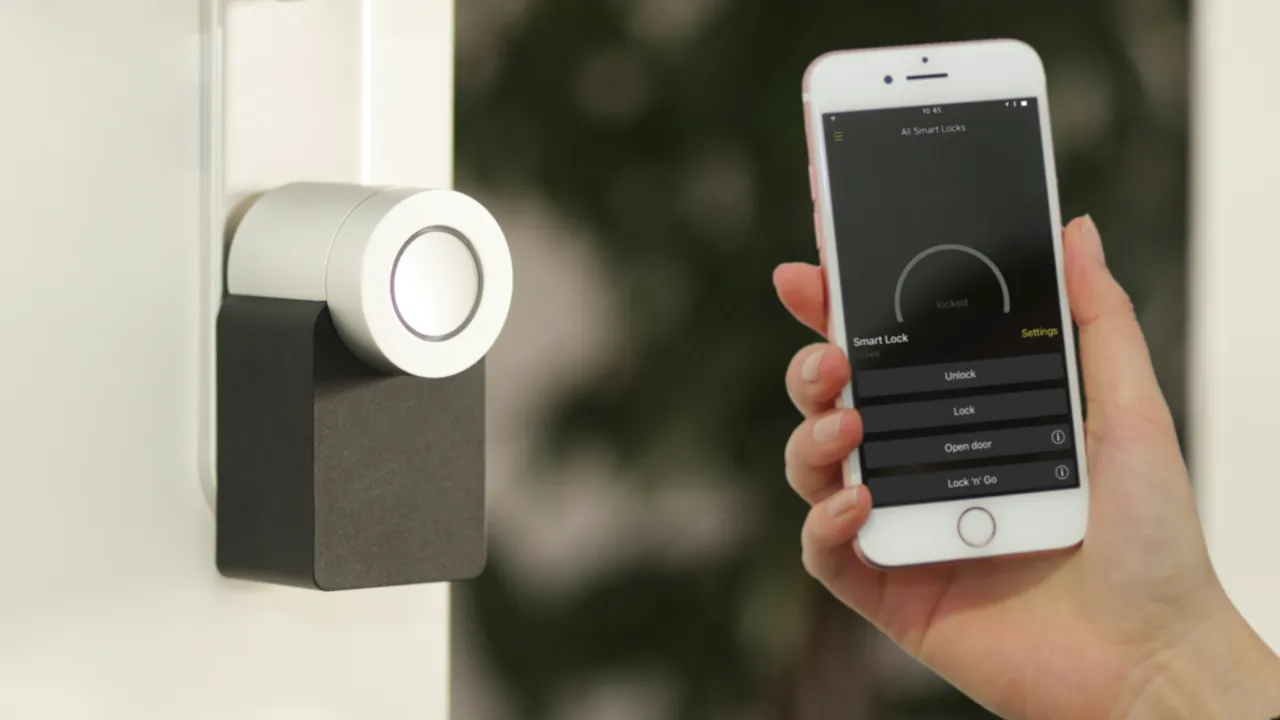
When you are shopping for smart home gadgets, you will notice that some devices connect directly to your router, while others proudly display a Bluetooth logo. It is easy to assume that all smart home technology uses standard internet connections, but this is not always the case. Understanding why manufacturers choose Bluetooth over other wireless options will save you a lot of time and help you pick the right hardware for your house.
The Power of Battery Efficiency
The biggest advantage of Bluetooth is its incredible energy efficiency. Think of a standard internet connection like a marathon runner who constantly needs water to keep going; it drains energy rapidly just to maintain a signal. Bluetooth, on the other hand, only sips power when it is actively sending a command.
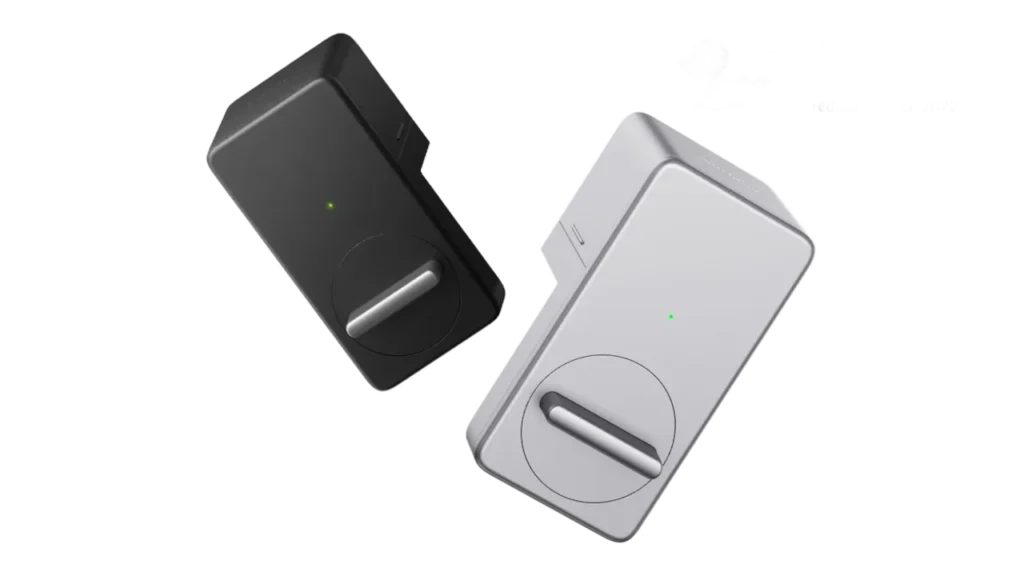
Image Credit: SwitchBot
This makes it the perfect protocol for devices that cannot be plugged into a wall outlet. For example, a digital lock on your front door, such as the SwitchBot Smart Lock, can often run for an extended time on standard batteries when using Bluetooth. If those same devices relied on a constant heavy wireless connection, you would be replacing their power source every few weeks. If you want to maximize this efficiency, read our guide to help stop smart lock battery drain and keep your home secure.
Understanding the Range Limits
While the battery savings are fantastic, they come with a significant trade-off in physical range. Bluetooth acts like a short invisible leash between your phone and the smart device.
If you are standing in your hallway, you can easily tap your phone to unlock a Bluetooth door lock. However, if you are at the office and want to let a plumber inside, a pure Bluetooth connection will fail because you are out of range. The signal simply cannot travel across town to reach your hardware.
Bridging the Distance Gap
Manufacturers know that you want to control your devices while you are away from home. To solve the range limit, they often use a bridge or a smart hub.
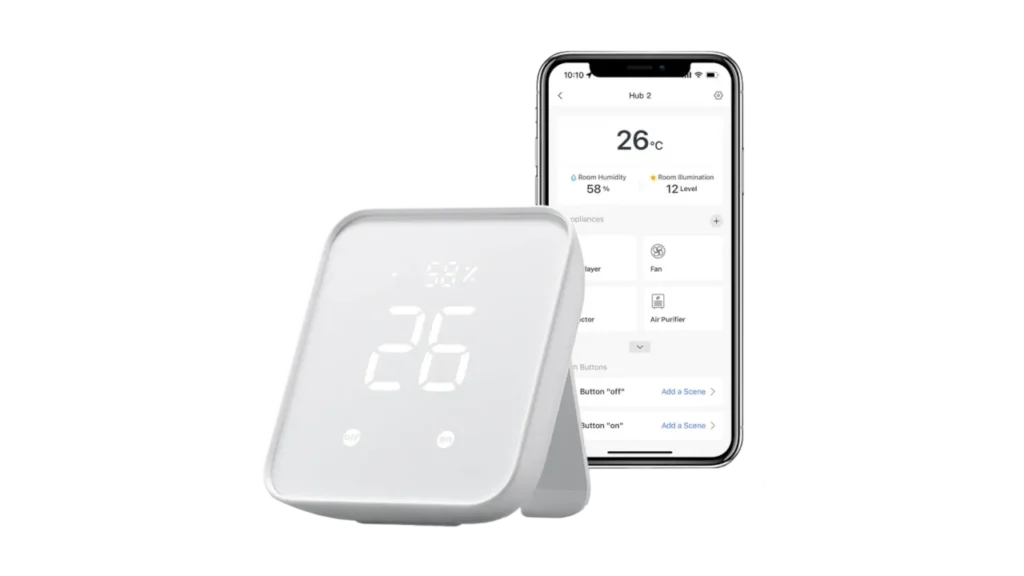
Image Credit: SwitchBot
A hub, like the SwitchBot Hub 2, acts as a middleman. It stays plugged into the wall and connects to your home internet, while simultaneously sending a Bluetooth signal to your battery-powered gadgets. When you press a button on your phone at the office, the signal travels over the internet to your hub, and the hub uses its short-range Bluetooth leash to command the lock.
If you plan to add multiple hubs across your home, having a strong network backbone is critical. You can read our guide comparing mesh Wi-Fi versus standard routers to ensure your hubs always maintain a rock-solid connection.



