
Home Assistant just shipped one of its biggest iPhone updates in a while. Version 2026.8.0 of the Companion app brings Live Activities, several new widgets, a rebuilt Apple Watch experience, and a handful of new tools for CarPlay and Apple’s health and reminders apps.
What Changed in Version 2026.8.0
The Home Assistant app moved to version 2026.8.0, and the changelog is packed. Beyond new features, this release also drops support for older Apple software. Devices running iOS 15, watchOS 8, or macOS 11 will not get this update, and Home Assistant confirmed the cutoff affects less than one percent of its user base. If your device falls into that group, here is what the OS cutoff means for your setup.
New Widgets and Live Activities Explained
Live Activities are the real headline feature here. Any timer or running process inside Home Assistant can now show up right on your Lock Screen or in the Dynamic Island, so you do not need to unlock your phone just to check if the dryer cycle finished.
Three new widgets round out the update:
- Energy dashboard widgets for both the Home Screen and Lock Screen, so your power usage is visible at a glance.
- A calendar widget that surfaces upcoming events tied to your smart home routines.
- A medium Assist widget that now supports multiple voice pipelines, useful if your household runs more than one voice assistant setup inside Home Assistant.
A Completely Rebuilt Apple Watch App
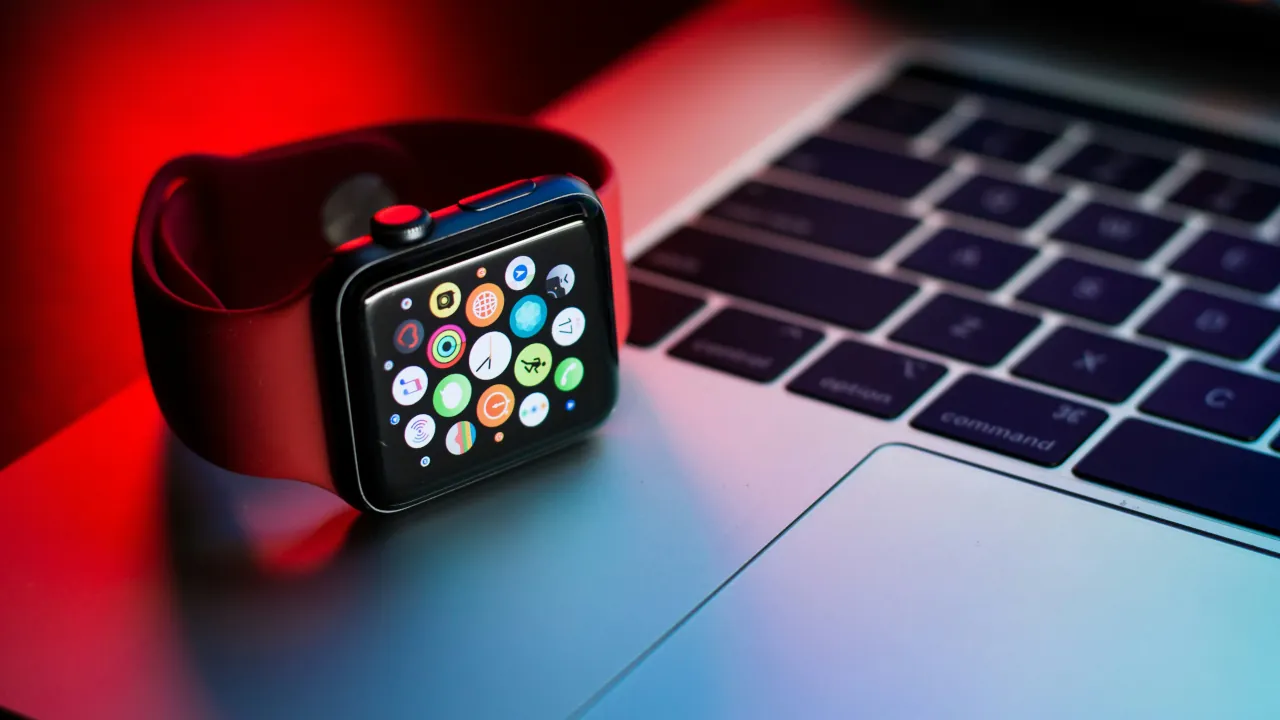
The Apple Watch companion was rebuilt from scratch. From your wrist, you can now control lights, blinds, fans, thermostats, locks, and robot vacuums. You can also browse rooms and check sensor readings without pulling out your phone.
New customizable watch complications ship alongside the redesign. These are currently a Labs feature, meaning they are opt-in and still being refined before a wider rollout.
CarPlay Controls and New Labs Features
Drivers get some love too. CarPlay now includes climate and robot vacuum controls, plus dedicated folders for quick access to favorite entities.
Two more Labs features round out the Apple-specific additions:
- Apple Reminders sync, which links your Reminders app directly to Home Assistant to-do lists.
- Apple Health data import, which brings your health metrics into Home Assistant as sensors you can use in automations.
Also included in this release: automatic server switching based on your location, Spotlight search for entities, new App Intents for calendar and event actions, and a redesigned app icon.
Why This Update Matters
The Live Activities support is arguably the most practical addition here. It fits naturally into how iPhone owners already check timers and delivery updates without opening an app. The rebuilt Apple Watch app is also a meaningful upgrade if you rely on quick wrist taps to handle lights or locks throughout the day.
Under the hood, Home Assistant also reports a faster app launch, reorganized and searchable settings, more stable remote camera streaming, and fixes for crashes on iPhone, Apple Watch, and Mac. Servers using mTLS certificates should also see improved reliability after this update.



