
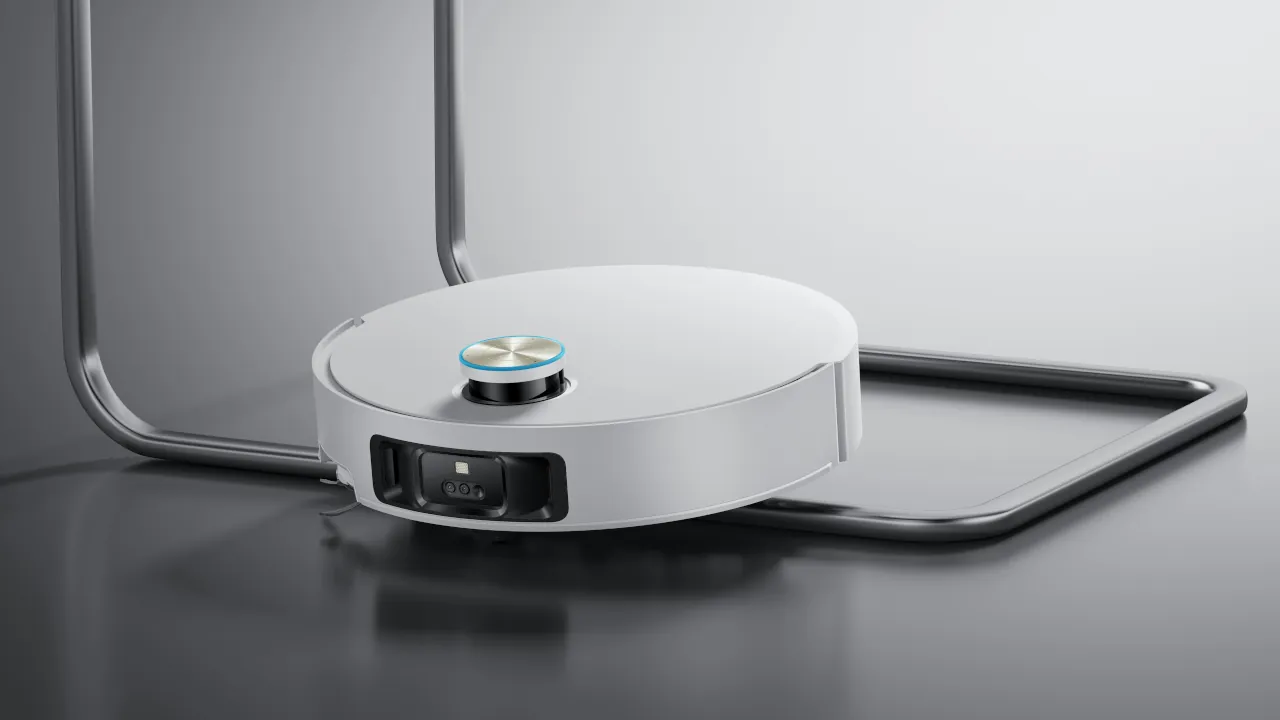
A robot vacuum that keeps getting stuck is one of the most common complaints owners run into after the first few weeks of ownership. The good news is that the cause is rarely a broken robot. Most stuck cycles trace back to something in the room, on the wheels, or inside the navigation map, and each of those has a quick fix.
Start With the Room, Not the Robot
Before touching any settings, watch where the robot actually gets stuck. Loose phone chargers, lamp cords, and rug fringe are the single most common culprits, since they wrap around the brush roll and stall the motor mid-clean. Thick rugs cause a related problem. The motor is tuned for hard floors, so a plush rug can overwhelm the wheels and leave them spinning in place while the battery drains.
Furniture clearance is another frequent trap. A sofa or bed frame with just a few millimeters of extra clearance invites the robot to drive underneath, then wedge itself when it tries to turn around. Walk through the space and clear cords, tuck away rug edges, and note any furniture gaps that look tight before the next cleaning cycle.
Clean the Sensors and Brush Roll
Dust buildup on the cliff and bumper sensors is a quiet cause of stuck cycles. A dusty sensor can misread a flat floor as a drop-off edge, causing the robot to stop or spin instead of moving forward. Wipe down the sensors on the underside and front bumper with a dry microfiber cloth every couple of weeks.
Hair wrapped around the brush roll causes a similar freeze, since it slows the roller enough that the motor reads it as an obstruction. Flip the robot over, remove the brush roll according to the manufacturer instructions, and cut away any tangled hair or thread. Always power off the robot first.
Check the Wheels for Debris
Blocked or worn wheels prevent the robot from turning cleanly out of tight spots, even when the sensors and brush roll are perfectly clean. Small debris, string, or pet hair can lodge in the wheel wells and reduce traction. Spin each wheel by hand and check that it moves freely. If a wheel feels stiff or grinds, remove visible debris with tweezers or a small brush.
Update or Rebuild the Navigation Map
A robot that keeps getting stuck in the same spot after furniture has moved is usually working from an outdated map. Open the companion app and rebuild the map from scratch instead of relying on automatic updates, especially after rearranging a room. Dark flooring and reflective surfaces can also confuse camera-based navigation, so consider setting a no-go zone around problem areas as a workaround.
If the map keeps failing to sync at all, or the app frequently loses contact with the robot mid-clean, the real problem may not be the robot itself. Once a home crosses roughly twenty connected devices, a standard router can struggle to keep every gadget online, and a robot vacuum syncing large map files is exactly the kind of traffic that gets dropped first. Our guide on Mesh Wi-Fi vs Standard Routers breaks down when it makes sense to upgrade.
Know When a Full Reset Is the Fix
If the robot still freezes or loses its map after cleaning the sensors, wheels, and brush roll, a full reset can clear a stuck internal error. This should be a last resort rather than a first step, since it wipes the stored map and any custom cleaning schedules. For the correct order of steps, including unbinding the device from its app before the physical reset, see our guide on how to factory reset smart home devices
Common Mistakes That Make the Problem Worse
A few habits quietly make stuck cycles more frequent instead of less. Skipping brush roll cleaning for more than a month lets hair buildup compound over time. Running the robot on a freshly rearranged room without rebuilding the map first guarantees repeat failures in the same spots. Ignoring a swollen or unusually hot battery is a safety risk rather than a performance issue, and the robot should be taken out of use immediately if that happens. Small, regular maintenance beats a full troubleshooting session every time.



