
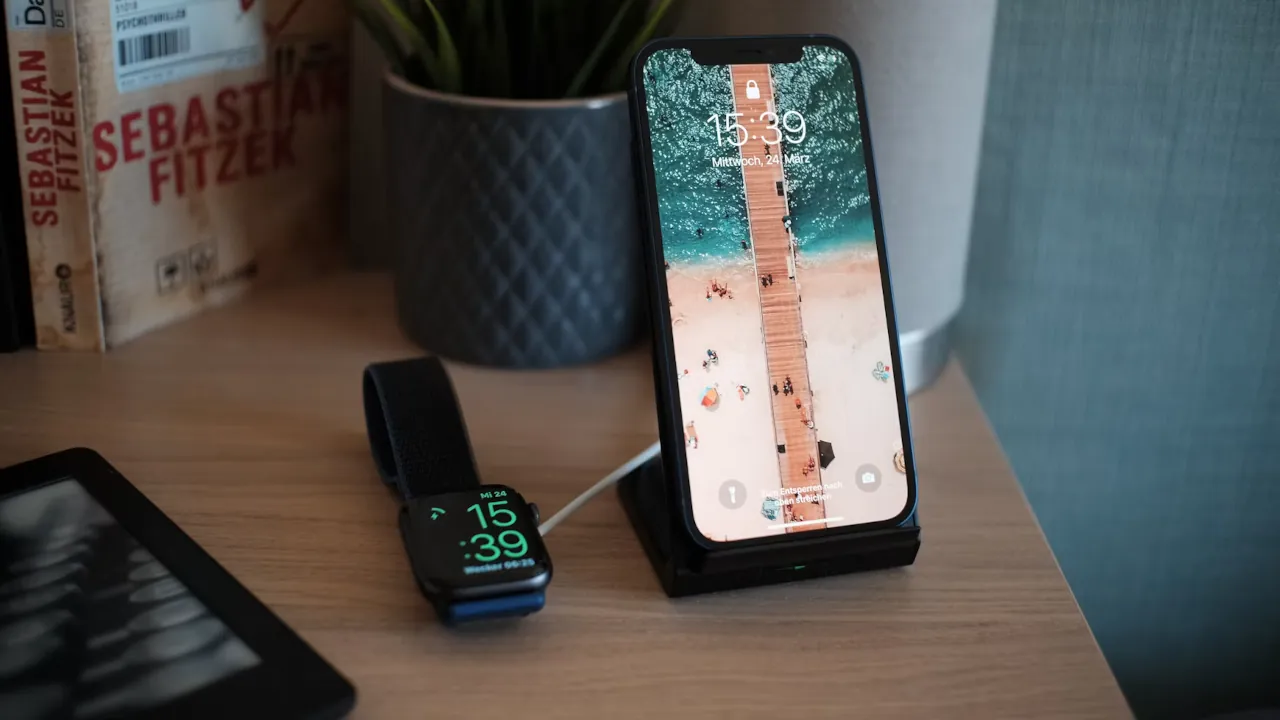
Home Assistant just pushed version 2026.9.1 of its iOS companion app. It is a smaller release than the last one, the follow-up to our last Home Assistant iOS update covering Live Activities and widgets, but it brings two changes that matter if your smart home setup includes an Apple Watch or health data.
Your Sleep Data Can Now Trigger Automations
The experimental Apple Health integration, still tucked inside the app’s Labs section, now pulls in sleep sensor data. That means your sleep stages and wake times can flow into Home Assistant as regular sensor values. In plain terms, you could build an automation that gradually brightens your bedroom lights once you wake up, or one that quietly powers down devices the moment you fall asleep. Since the feature lives in Labs, its behavior can vary between iOS versions and devices, so it is not the place to build your most important routine just yet.
Your Apple Watch Finally Gets Its Own Identity
Previously, your Apple Watch showed up in Home Assistant as an extension of your iPhone. Starting with this update, the Watch can register as its own separate device, complete with its own battery status. That unlocks automations that respond specifically to your Watch battery, like a low-battery reminder, without that status getting mixed up with your phone’s battery level.
The Energy Widget Now Tracks Gas and Batteries Too
The energy widget, introduced in the app’s 2026.9 release, previously only displayed electricity use. It now covers gas consumption and home battery storage as well. Anyone tracking both gas and a home battery setup gets one combined widget instead of several separate tiles.
A few smaller widget tweaks came along for the ride. Entity icon colors and tap actions now match the main app more closely, status display on widgets is no longer a beta feature, and Live Activities get a more detailed view in the Dynamic Island.
Smaller Fixes That Still Matter
This release also adds a memory management screen under Settings, a gesture for creating quick deep links, and support for requesting client certificates. CarPlay actions now include proper error handling and timeouts, so a stalled command while driving is less likely to leave you guessing. The changelog also lists several bug fixes, including outdated Apple Watch statuses, unresponsive Lock Screen widgets, and sensor values that occasionally failed to refresh.
One Confusing Detail: Two Different Version Numbers
Here is something worth flagging. The iOS app version and the Home Assistant Core version do not move in sync, even when the numbers happen to match. Version 2026.9.1 of the iOS app is a separate release from Core version 2026.9.1, and the two updates are unrelated.



