
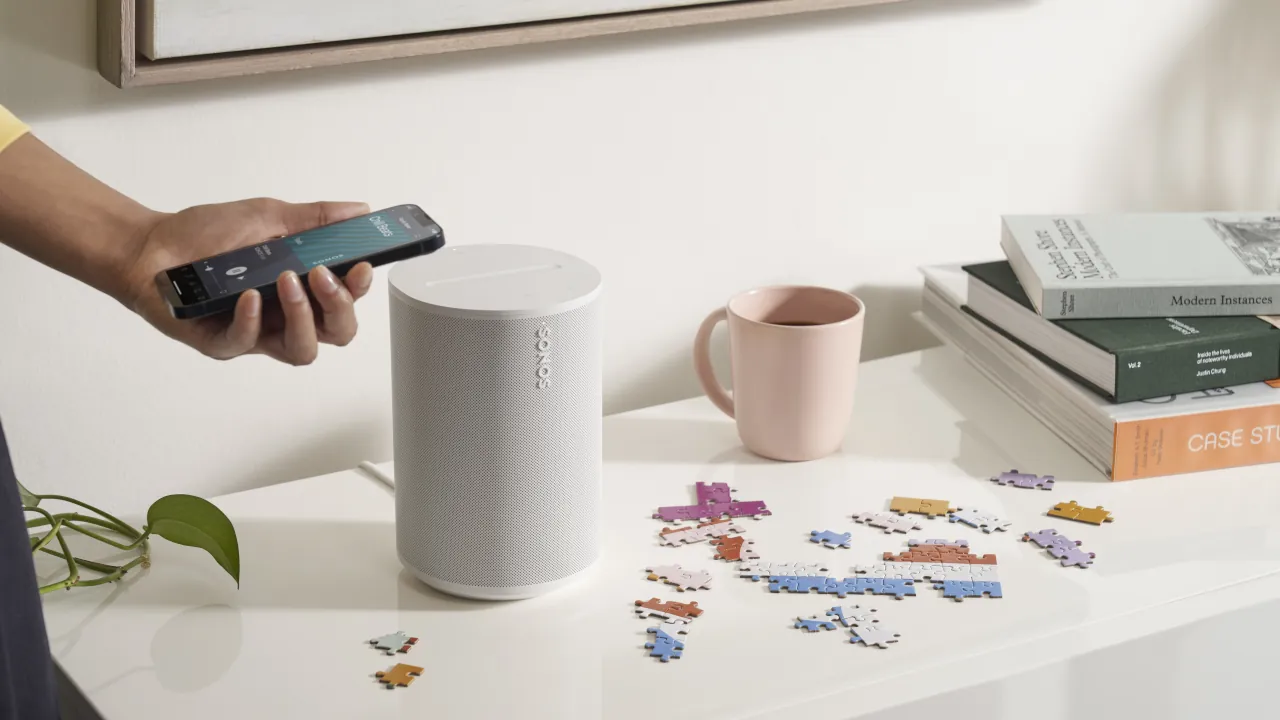
Imagine walking into your living room and tapping your smart light switch to not only turn on the lights, but also start your favorite morning playlist. Philips Hue is making this a reality with a brand new feature called Sonos Accessory Control, which allows your existing lighting buttons to manage your home audio.
What Is Happening
Philips Hue is rolling out a software update that deeply integrates its physical switches with Sonos speakers. Once the update lands, you will be able to program devices like the Philips Hue Dimmer Switch or the Philips Hue Smart Button to directly control your Sonos playback.
Why You Should Care
Normally, controlling smart speakers requires pulling out your phone, unlocking it, opening an app, and waiting for it to load. Alternatively, you have to shout voice commands across the room. This update lets you control the volume, skip tracks, or play a favorite radio station using the exact same physical button you use to turn on your ceiling lights. It makes managing your smart home feel as natural as flipping a traditional light switch.
The Technical Details
The most impressive part of this update is how the devices communicate. The commands travel directly from your Hue accessories to the Philips Hue Bridge, and then straight to your Sonos speakers on your local network. This means the system does not require an active internet connection to function. If your home internet goes down, your switches will still play or pause the audio. This shift toward a local smart home setup ensures lightning fast response times and much better reliability.
To set this up, you will just need to navigate to the Smart Home settings inside the Philips Hue app and link your Sonos account. The integration supports the standard wall switch modules, standalone smart buttons, and even the built-in controls on the Philips Hue Twilight bedside lamp.



