
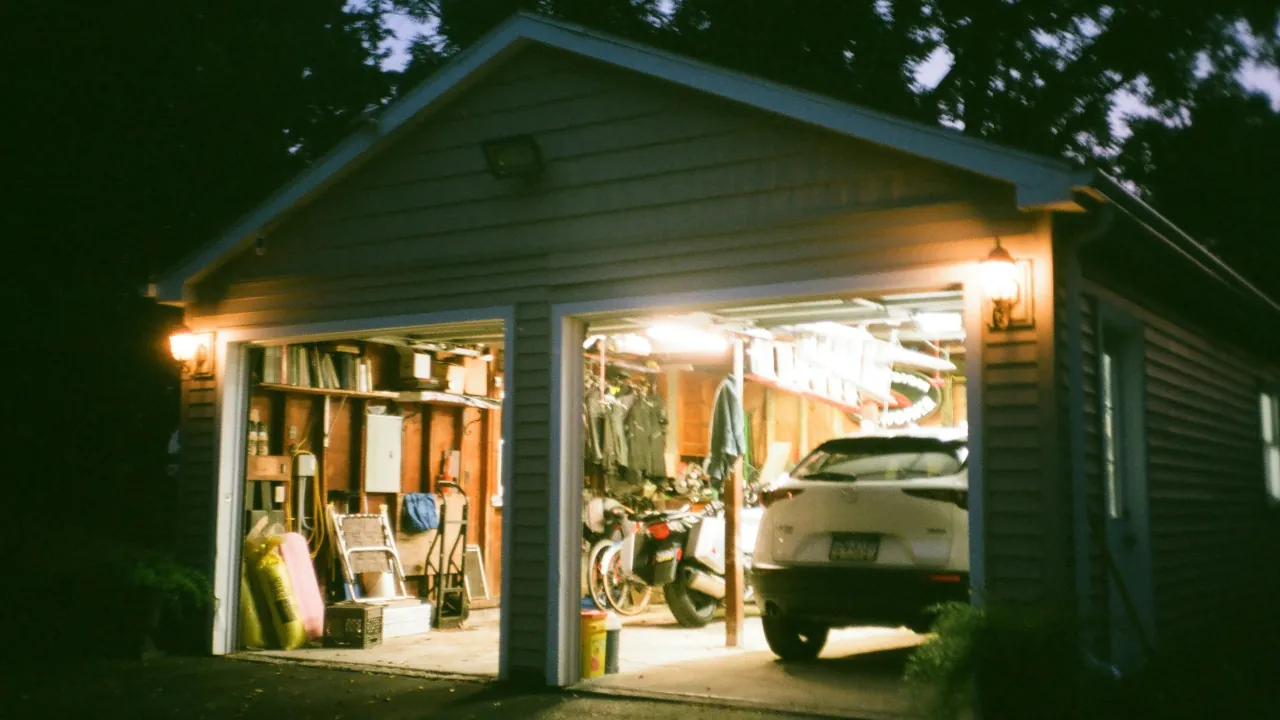
You attach a brand new window sensor to your detached garage. You open the app, and the sensor immediately shows as offline. The distance between your central hub and the garage is simply too great. This is a common issue when building out a smart home, but the solution does not require moving your main hub or buying an expensive Wi-Fi extender. You just need to understand how Zigbee handles physical distance.
How The Bucket Brigade Works
Unlike standard Wi-Fi devices that must talk directly to your main router, Zigbee devices form a mesh network. Picture a bucket brigade at a fire. Instead of one person running back and forth from the water source to the fire, multiple people stand in a line and pass the bucket down. Zigbee works exactly the same way. If a device is too far from the hub, it can pass its signal through another device that is closer. This means you can stretch your network all the way to the back fence as long as you have enough stops along the way.
Plugs Versus Batteries
There is one major catch to the bucket brigade system. Not every gadget is allowed to pass the bucket. Zigbee divides gadgets into two groups: routers and end devices.
End devices run on batteries. Things like motion sensors, door contacts, and temperature monitors go to sleep to save power. Because they sleep, they cannot act as reliable bridges for other signals.
Routers are devices plugged directly into the wall. Gadgets like the Aqara Smart Plug or the Philips Hue Smart Plug have constant power. These devices act as the middlemen, repeating the signal and extending the reach of your network.
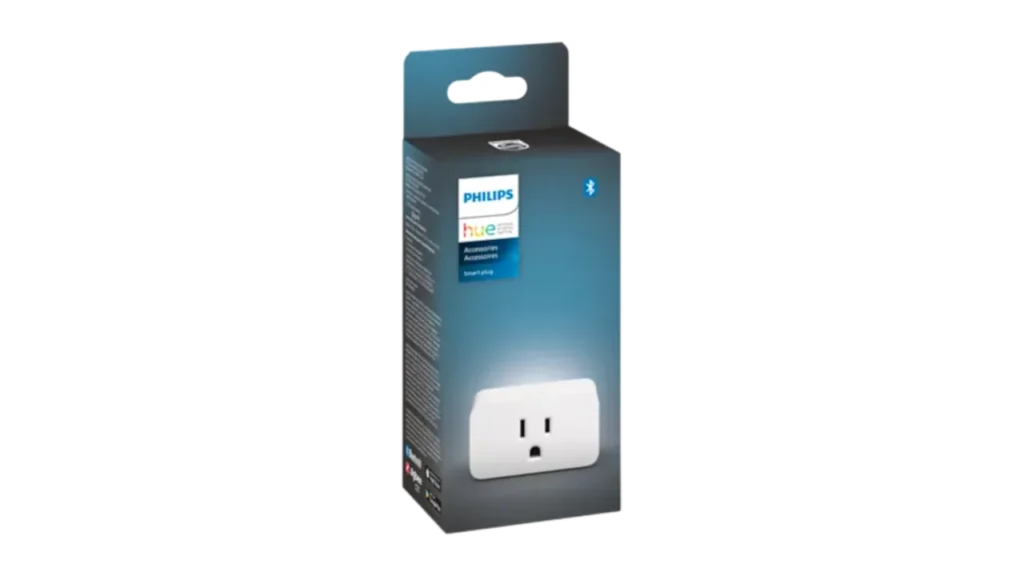
Image Credit: Signify / Philips Hue
Steps To Bridge The Gap
Fixing your dead zone is a straightforward process once you know the rule above.
- Identify the exact spot where your battery-powered sensor loses connection.
- Find an empty wall outlet halfway between that dead spot and your main smart hub.
- Plug in a mains-powered Zigbee repeater, such as a smart plug.
- Pair the new smart plug to your network first.
- Bring your battery-powered sensor near its final destination and pair it to the network. It will automatically route its signal through the newly installed plug.
When Gadgets Refuse To Reconnect
Sometimes a sensor gets stuck looking for the old path and refuses to acknowledge the new smart plug you just installed. If you experience persistent connection errors after adding a repeater, you may need to completely clear the memory of the stubborn sensor. You can easily factory reset your smart home devices to force them to map a brand new path through your freshly upgraded bucket brigade.



