
A smart plug is a small switch with a strict limit. Most smart plugs sold in the US are rated for 15 amps, which works out to about 1,800 watts, and some compact models stop at 10 amps. Stay well under that number and a plug will run for years. Go over it, or connect the wrong kind of appliance, and the tiny relay inside overheats.
The short version
- Do not plug in Space heaters, portable air conditioners, washers, dryers, power tools
- Think twice Kettles, toasters, hair dryers, fridges and freezers
- Safe to automate Lamps, fans, TV setups, basic coffee makers
- Always check The amp or watt rating printed on the plug
How to Read the Rating
Every smart plug has its limit printed on the body or the box, usually in amps. Multiply amps by your wall voltage to get watts. In the US that is 15 amps times 120 volts, so 1,800 watts. Every appliance has its own wattage on a label near the cord or on the underside.
The printed limit is a ceiling, not a target. A common electrician rule of thumb is to keep anything that runs for hours at or below 80 percent of the rating. For a 15 amp plug that means about 1,440 watts of continuous load.
Heaters and Anything That Makes Heat
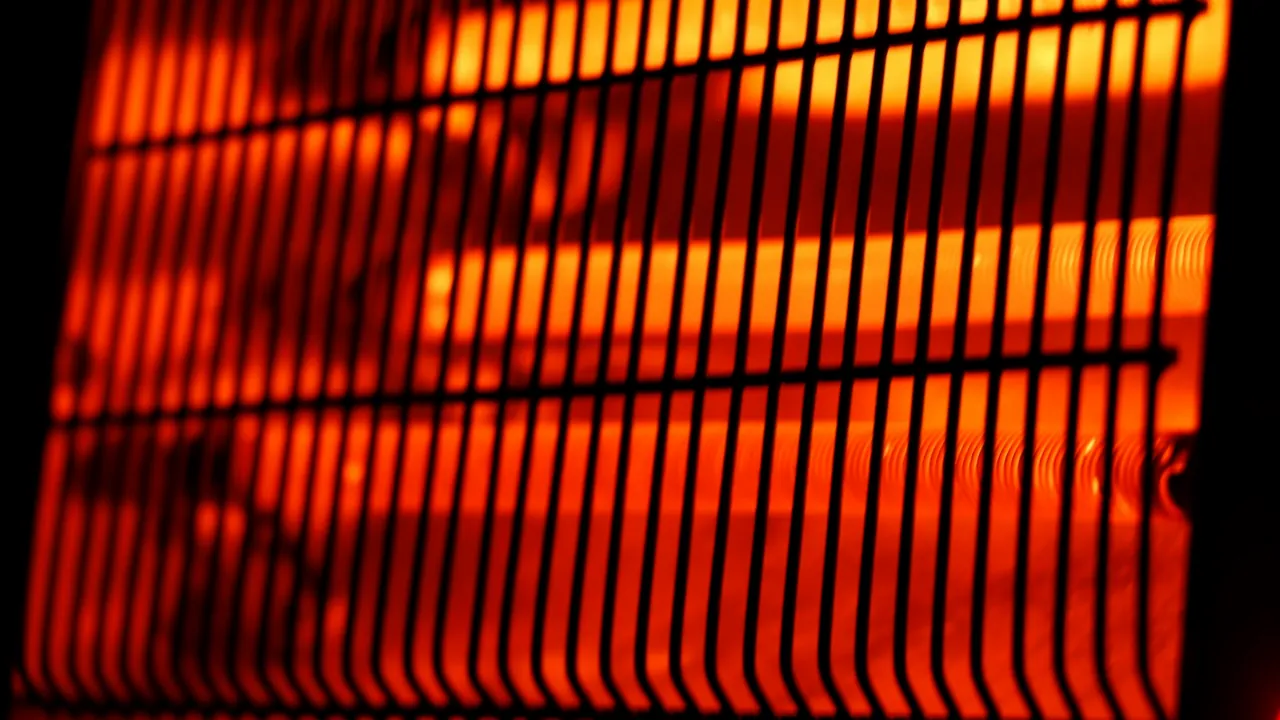
One of the common mistakes is plugging a space heater into a smart plug to create a crude smart climate system. This is a bad idea. Many portable space heaters draw a continuous 1,500 watts or more. That is above the 80 percent mark on a 15 amp plug and far over the limit of a 10 amp one, and a heater holds that load for hours.
This sustained heat stress wears out the internal contacts of the plug over time. There is a second risk that has nothing to do with watts. A smart plug lets you switch a heater on when nobody is in the room, and many heater manuals specifically warn against using timers or remote switches for that reason.
Smaller heating gadgets like kettles, toasters and hair dryers pull similar power in short bursts. A full-size 15 amp plug can cope with a kettle, but a compact 10 amp plug cannot. If it generates rapid heat, the safest habit is to plug it straight into the wall.
The Motor Surge Problem
Large appliances that use physical motors are another major hazard for smart plugs. When devices like washing machines, portable air conditioners or power tools start up, they experience what electricians call an “inrush current.”
Think of this like a car accelerating from a dead stop. It takes significantly more energy to get the heavy motor spinning than it does to keep it running. These startup surges can pull three times the normal electrical load in a split second. This spike wears down the delicate relay contacts inside a consumer smart plug, leading to early failure or a short circuit.
Manufacturers say the same thing. TP-Link states in its guidance for Tapo and Kasa plugs that its plugs are designed for resistive loads and are not meant for high-power motor loads such as air conditioners, refrigerators and washing machines.
Fridges and freezers come with one more problem. If the plug drops off Wi-Fi, gets switched off by a routine or fails, you may not notice until the food has spoiled.
Other Things to Skip
- Medical and safety equipment: Anything that must stay on, such as a CPAP machine or a sump pump, should never depend on a Wi-Fi switch.
- Loaded power strips: A strip full of devices can add up to more than the plug can carry, and TP-Link advises against running several loads through one plug this way.
- EV chargers: Car charging pulls far more current than any consumer smart plug is built for.
- Indoor plugs outdoors: Rain and dust will get in. Outside, use an outdoor-rated smart plug.
What Should You Plug In?
Smart plugs are fantastic tools when you use them for their intended purpose. They are designed for devices that have a low, steady electrical draw and a simple on and off switch.
You should absolutely use smart plugs to automate your table lamps, living room fans, television setups or basic coffee makers. For these low-power devices, using high-quality plugs is a safe and convenient way to bring older electronics onto your Wi-Fi network. Models with energy monitoring also show you the live wattage of whatever is connected, which is a simple way to see what your devices really use.
A Quick Check Before You Plug Anything In
- Find the wattage. It is on the label of the appliance.
- Compare it to the plug. If it is more than about 80 percent of the rating, use the wall outlet.
- Ask if it heats or has a motor. If the answer is yes, use the wall outlet.
- Picture it switching on while you are away. If that would worry you, do not automate it.



