
The Brains Behind the Operation
Figuring out which Apple Home hub should you buy for your setup starts with understanding what a hub actually does. Think of a Home Hub as the air traffic controller for your smart home. It lets you turn off lights remotely while at the grocery store. It also locks your doors automatically when you drive away. The hub stays awake at home, securely managing your automations and connecting devices to the internet.
The Budget-Friendly Starter: HomePod Mini
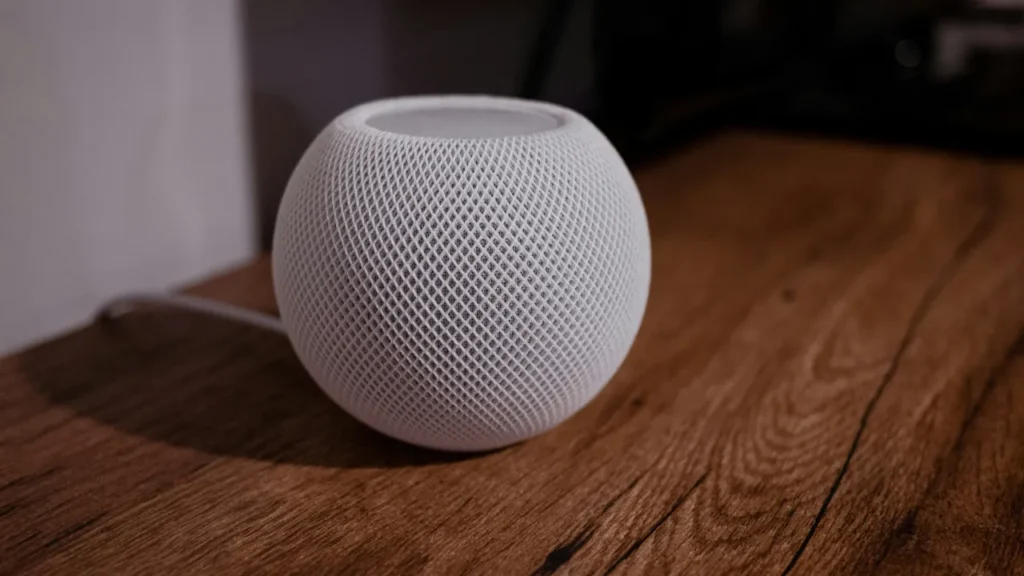
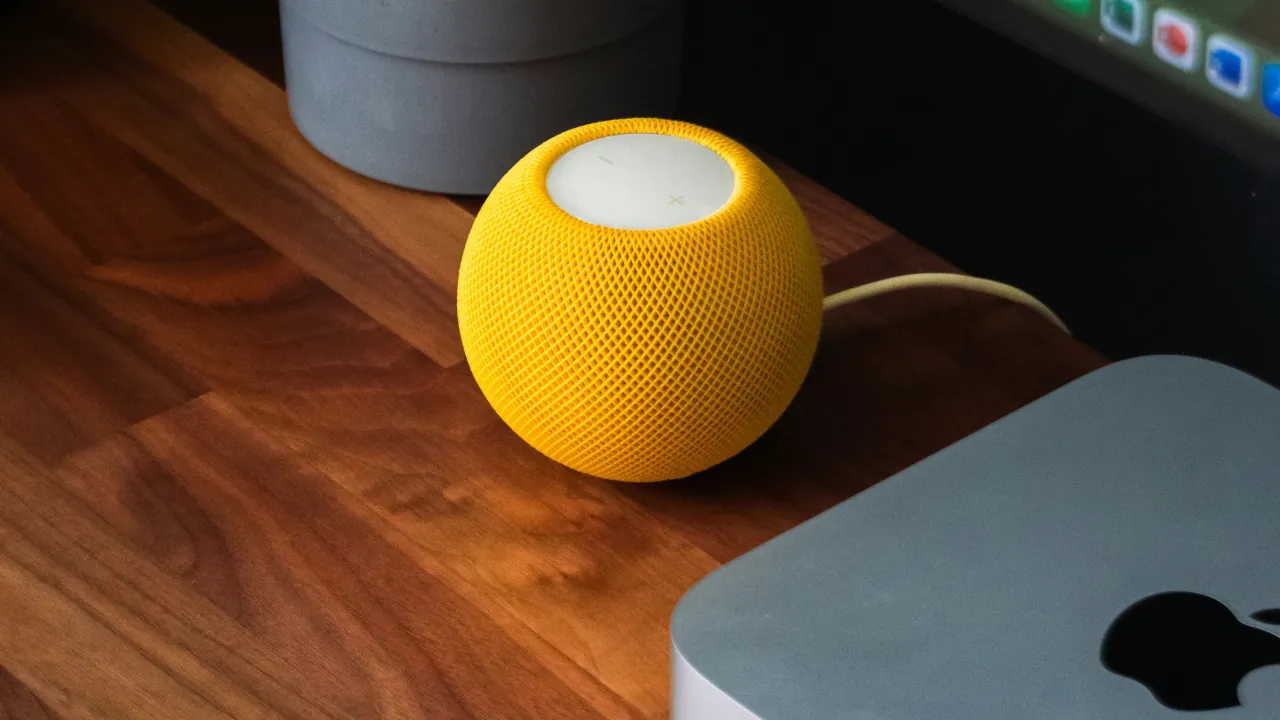
The HomePod Mini is the easiest way to get your Apple smart home off the ground. It plugs right into the wall, connects via Wi-Fi, and immediately starts acting as your smart home’s brain.
Why it’s great:
- Built-in Siri: You can shout commands across the room without searching for a remote.
- Hidden sensors: It actually has a built-in temperature and humidity sensor. You can use this to trigger a smart fan when the room gets too hot.
The downside: Because the HomePod Mini relies entirely on Wi-Fi, it can sometimes cause minor delays in triggering your automations if your wireless network is congested or struggling.
The Heavyweight Champion: Apple TV 4K
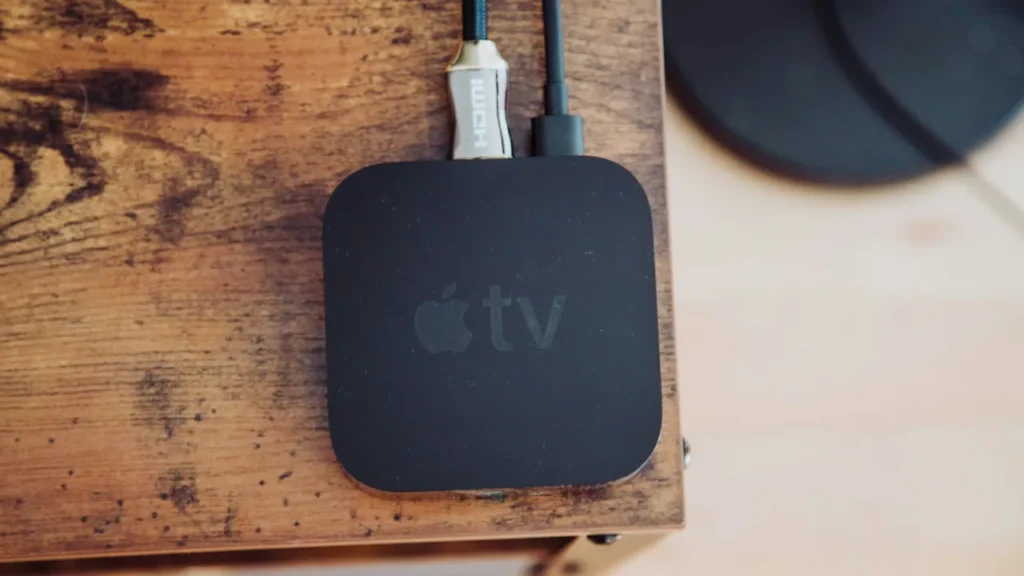
If you are serious about building a fast, ultra-reliable smart home, the Apple TV 4K is the way to go. However, there is a catch. You must buy the slightly more expensive Wi-Fi + Ethernet model. The cheaper version lacks the crucial Thread networking standard.
Why it’s great:
- Ethernet stability: You can plug this model directly into your router. This is like giving your smart home a dedicated, traffic-free highway. Automations run instantly without waiting on a Wi-Fi signal.
- Processing power: The Apple TV has a much faster computer chip inside. When you start adding dozens of lights, locks, and sensors, the Apple TV handles the heavy lifting without breaking a sweat.
- Camera feeds: You can view your smart security cameras directly on your big TV screen.
The downside: It requires a TV to set up, and you have to use the remote (or your iPhone) to trigger Siri voice commands instead of just speaking to the room.
The Final Verdict
So, which one should you choose?
If you live in a smaller apartment or just want to automate a few lights and a smart plug, get the HomePod Mini. It is cheap, doubles as a great speaker, and gets the job done seamlessly.
If you are outfitting a larger house with smart locks, cameras, and complex routines, spend the extra money on the Apple TV 4K (the Ethernet version). Plugging your primary hub directly into your router is the absolute best thing you can do for the speed and reliability of your smart home.
Tip: If you eventually buy both, Apple’s latest software lets you manually select the hardwired Apple TV as your “preferred” hub, letting the HomePod Mini act as a helpful sidekick to extend your wireless range across the house.
Both the HomePod Mini and the Ethernet-enabled Apple TV 4K act as Thread Border Routers. This creates a fast, self-healing mesh network across your living space for low-power accessories. Read more about why your smart home needs Matter and Thread



