
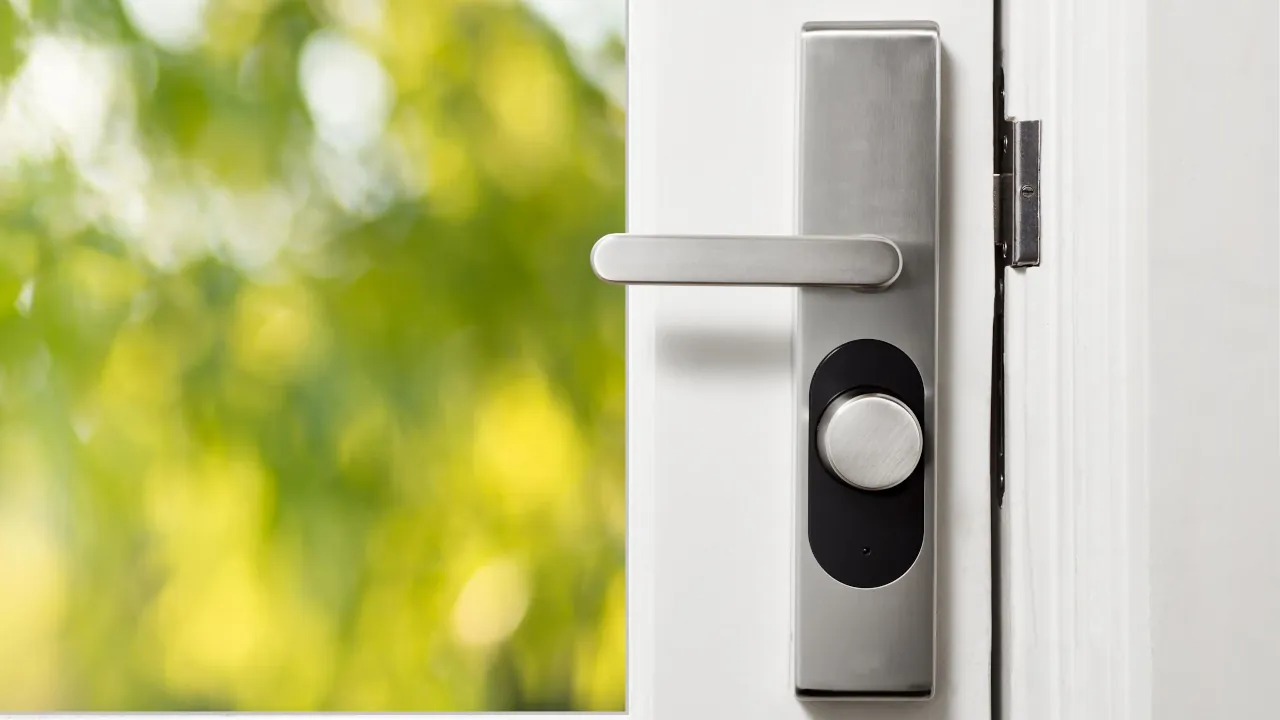
Swapping AA batteries every three weeks is incredibly frustrating. Most people blame the hardware when a smart lock dies quickly. However, the issue is usually a physical problem with the door or a weak network connection. You do not need to buy a new lock. You just need to make a few quick adjustments to get your battery life back to normal.
Check Your Deadbolt Alignment
The number one reason smart locks drain batteries is mechanical friction. If you have to push or pull your door to lock it manually, the small motor inside your smart lock is working overtime. That extra strain forces the motor to draw maximum power, which drains the battery rapidly.
- Open your front door and extend the deadbolt.
- Close the door and try locking it normally.
- If the bolt scrapes the metal strike plate, you need to adjust the alignment.
To fix this, you can try tightening the hinges on your door so it hangs straight. If that does not work, you may need to unscrew the metal strike plate on the door frame and use a file or chisel to make the opening slightly larger. The deadbolt should slide in completely smoothly without any resistance.
Improve Your Wi-Fi Signal
Many popular models connect directly to your home network. If your wireless router is far away, the lock spends a massive amount of energy constantly dropping and searching for the Wi-Fi signal. Think of it like a cell phone struggling for service in a rural area.
- Open your smart lock companion app and check the device settings for a signal strength indicator.
- If the signal is weak, consider moving your router closer to the front door.
- If moving your router is not possible, it might be time to upgrade to a Mesh Wi-Fi Network
Beware of Extreme Cold
If your smart lock is exposed to freezing temperatures, you might notice your batteries dropping from full to empty almost overnight. Traditional alkaline batteries perform terribly in extreme cold because the chemical reactions inside them slow down drastically. If you live in a cold climate, swapping to lithium batteries is not just a suggestion; it is practically mandatory for the winter months.
Check Your Smart Hub Settings
Sometimes the lock is not the problem; your smart home hub is to blame. If you connect your lock to a third-party hub, that platform might be checking the status of the lock every few seconds. This keeps the wireless radio inside the lock awake constantly, drawing unnecessary power. Dive into your hub settings and ensure it is set to passively receive updates from the lock rather than constantly pinging it for a status check.
Tips to Avoid Common Pitfalls
- Switch to Lithium Batteries: Standard alkaline batteries lose voltage gradually as they drain. Smart locks need high bursts of power to turn the motor. Lithium AA batteries maintain a steady, high voltage until they are completely empty, making them last significantly longer.
- Update Your Firmware: Manufacturers often release software updates that specifically optimize battery consumption. Check your lock app for any pending firmware updates.
- Use a Bridge: If your lock supports it, connecting via Bluetooth to a nearby smart plug or Wi-Fi bridge consumes much less battery power than forcing the lock to maintain a direct Wi-Fi connection.



