The new Hue Play HDMI Sync Box 4K is not a straight upgrade for most people who already own the original Sync Box. It costs less and takes up less space, but it has one HDMI input instead of four and no remote control support. If your old box still works, you can most likely keep it.
That said, there are a few situations where the new box makes sense, and one where neither box is the right answer. Here is how to tell which group you are in.
Last checked: October 2026. Hue specs and prices change, so double check the official product pages before you buy.
Quick Answer: Should You Upgrade?
- Your old box works and you use several HDMI devices: keep it. The new box has a single input.
- Your old box died: the new 4K box is the easy replacement, mostly because the original is discontinued and hard to find.
- You want 4K at 120Hz for a console or PC: neither of these. Look at the Sync Box 8K instead.
- You are buying your first one: the 4K box is the cheaper way in, as long as one HDMI source is enough for you.
What Is the Hue Play HDMI Sync Box 4K?
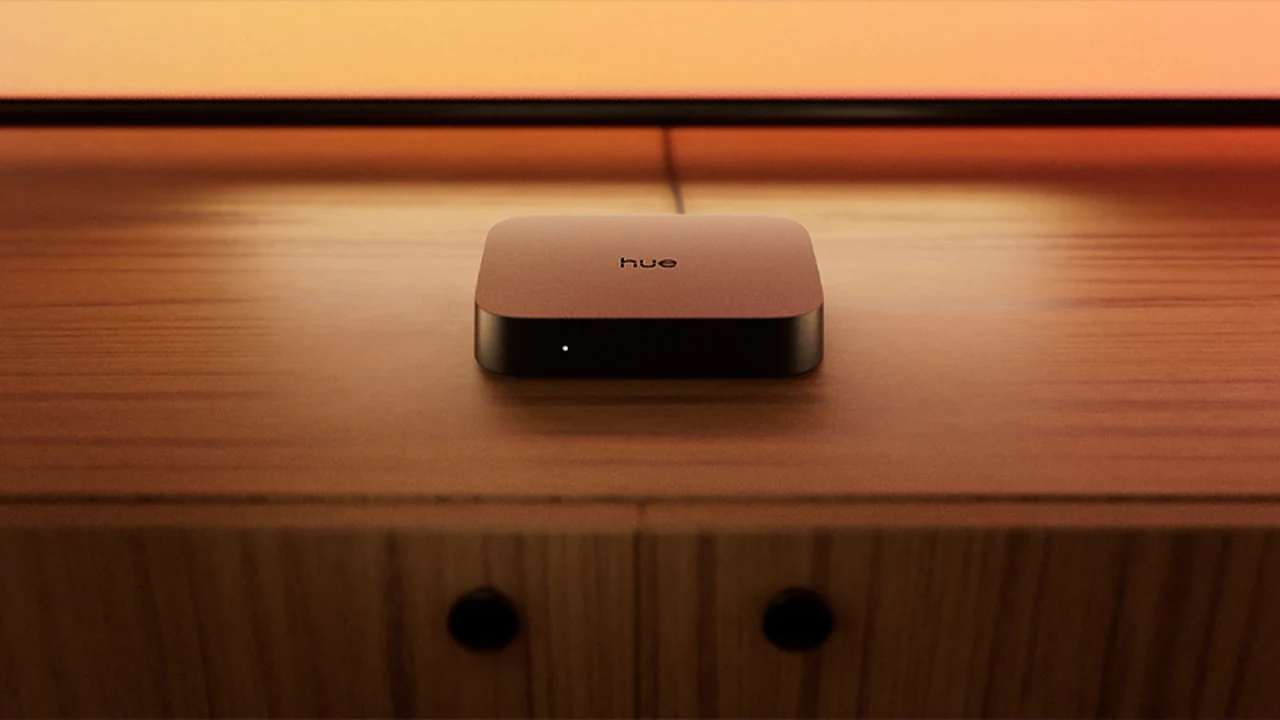
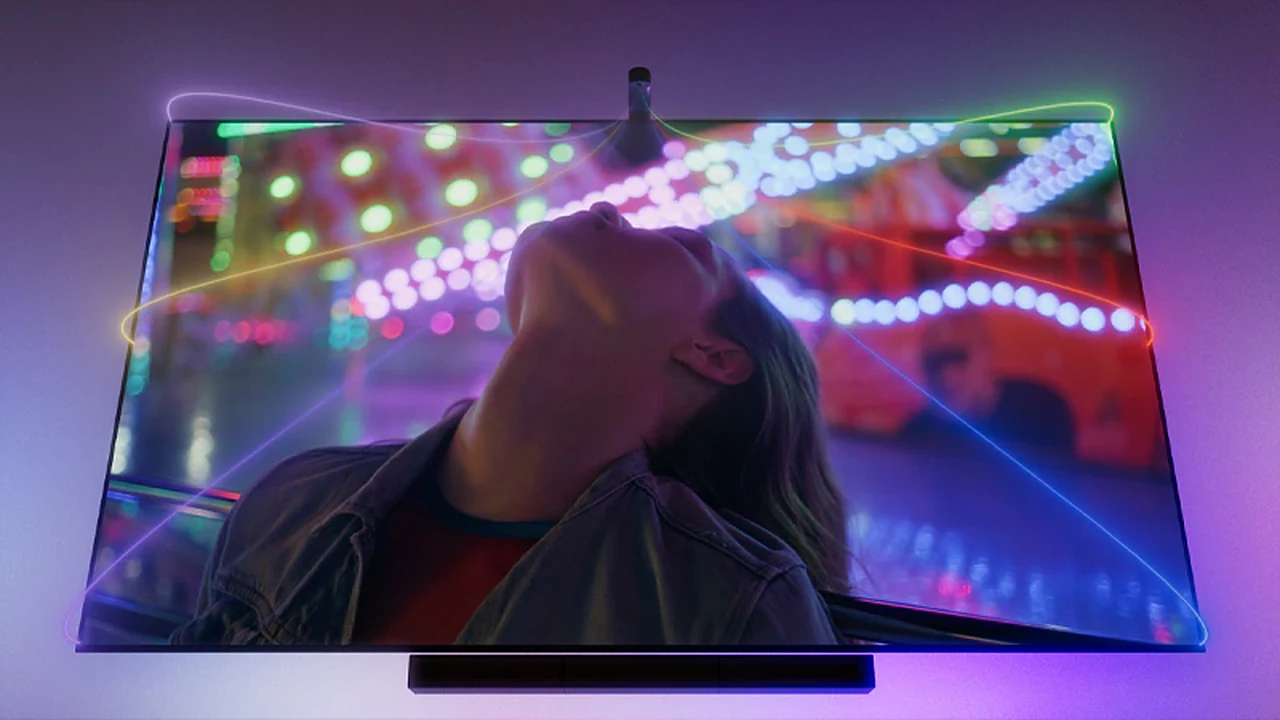
Philips Hue launched the Play HDMI Sync Box 4K on September 3, 2026, at $149.99. It does the same basic job as the original: you plug your TV source into it, it reads the picture, and your Hue lights change color in time with what is on screen.
The difference is that Hue stripped it down. It is smaller, cheaper, and built around one HDMI in and one HDMI out. In other words, it is a simpler box for simpler setups, not a bigger version of the 2019 original.
Hue Sync Box 4K vs Original: Specs Side by Side
I added the Sync Box 8K as a third column, because a lot of people end up comparing all three.
| Original Sync Box (2019) | Sync Box 4K (2026) | Sync Box 8K (2024) | |
|---|---|---|---|
| HDMI ports | 4 in, 1 out | 1 in, 1 out | 4 in, 1 out |
| Video modes Hue lists | 4K at 60Hz, plus 1080p and 1440p at 120Hz | 4K at 60Hz | 8K at 60Hz, 4K at 120Hz, 1080p at 120Hz (HDMI 2.1) |
| HDR formats Hue lists | Dolby Vision, HDR10+ | None listed | Dolby Vision, HDR10+ |
| IR receiver (remote support) | Yes | No | Yes |
| Hue Bridge needed? | Yes | Not for one supported light strip, yes for up to 10 lights | Yes |
| Lights you can sync | Up to 10 | 1 without a Bridge, up to 10 with one | Up to 10 |
| Price | $249.99 on Hue’s US store, listed as no longer available | $149.99 | $384.99 |
A note on HDR and refresh rates: this table follows what Hue prints on each product page. The original lists Dolby Vision and HDR10+ and also 1080p and 1440p at 120Hz. The 4K box’s page lists only 4K at 60Hz and no video formats. That may just be a thin spec sheet, but if HDR or high refresh rates matter to you, check the page again on the day you buy. Product pages: original Sync Box, Sync Box 4K, Sync Box 8K.
Where the New Box Is Better
- Price: $149.99 is a lot easier to justify than the original’s launch price.
- Size: it is smaller, which helps if your TV shelf is already crowded.
- Simpler setup: with one supported light strip, it can sync over Bluetooth without a Hue Bridge at all.
- You can actually buy it: the original is discontinued and sold out in many places.
Where the Original Box Is Still Better
- Four HDMI inputs: console, streaming stick, Blu-ray player and cable box can all stay plugged in. With the new box, you would need an HDMI switch or you swap cables.
- Remote control support: the original can be controlled with an IR remote. The new one cannot.
- More video support on paper: Hue lists Dolby Vision, HDR10+ and 1080p/1440p at 120Hz for the original, and none of that for the 4K box.
- Nothing to migrate: if your lights, zones and scenes already work, switching means setting it all up again.
On paper, you also do not gain anything on video. Both boxes top out at 4K at 60Hz, and Hue’s pages list more for the original (Dolby Vision, HDR10+ and 120Hz at lower resolutions) than for the new box.
What Is Bridgeless Sync, and Does It Matter to You?
Normally, Hue lights talk to a Hue Bridge, and the Sync Box sends its color data through that Bridge. The new 4K box can skip that step for one light. It connects over Bluetooth to a single supported strip, such as a Play gradient strip, and syncs it directly.
For an old-box owner, this does not matter much. You already have a Bridge and probably several lights. It matters for newcomers who want one strip behind the TV and do not want to buy a Bridge first. Once you want more lights, you need a Bridge again, up to 10 lights like before.
If you are still deciding how your Hue setup should work, our guide on the rise of the local-first smart home explains why a Bridge is still worth having. And if your lights keep dropping out, start with these simple fixes for offline smart bulbs.
Should You Upgrade? Pick Your Situation
- Your original box works fine: do not upgrade. You would lose inputs and the remote, and gain very little.
- Your original box broke: the 4K box is a fair replacement if you only use one HDMI device, or you are happy to add a cheap HDMI switch.
- You connect several devices: stay with the original, or look at the 8K box, which keeps four inputs.
- You game at 4K120: go straight to the Sync Box 8K. That is the only one of the three built for it.
- You want to sync without any box at all: see the options below.
If You Want More Than the 4K Box Offers
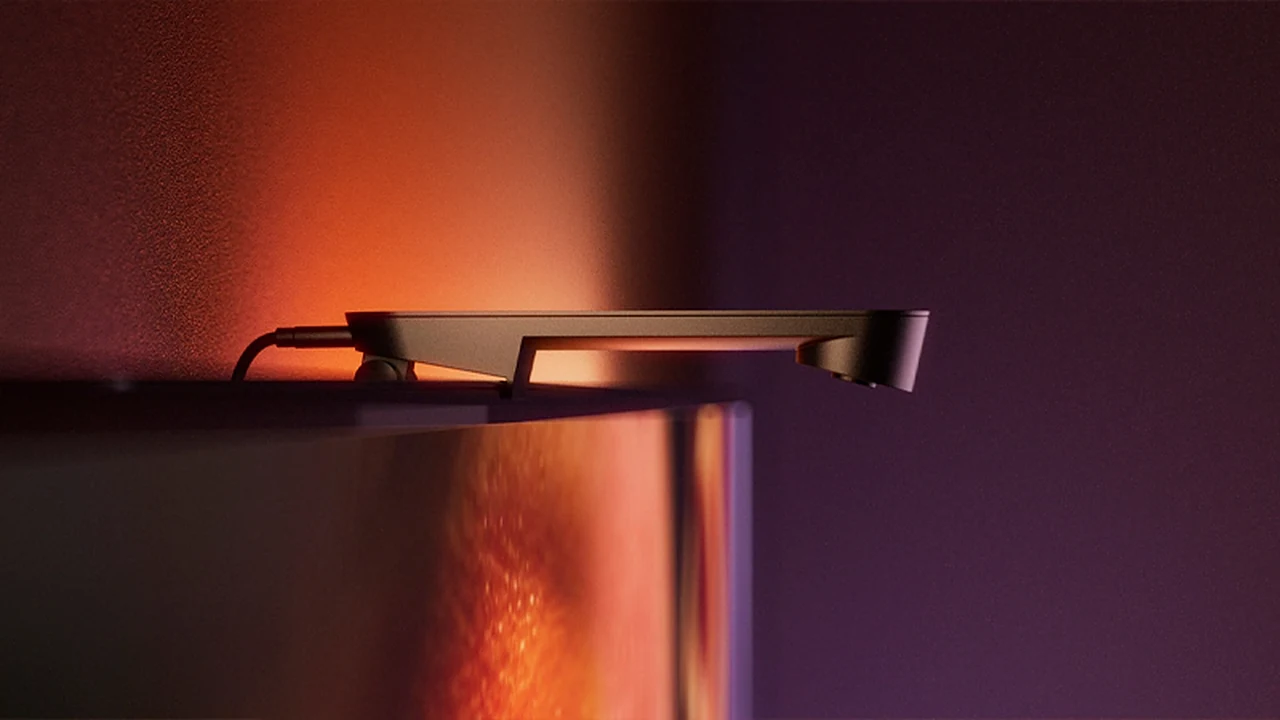
Hue Play Screen Sync ($119.99): a small camera that sits on your TV and watches the picture. There is no HDMI box and no cables in the signal path, so it works with anything on your screen. The trade-off is that it reads the picture through a camera, not straight from the HDMI signal.
Hue Sync TV app: on supported Samsung and LG TVs, you can sync straight from the TV’s own app, with no extra hardware. If you own one of those TVs, try this before spending anything.
Hue Play HDMI Sync Box 8K ($384.99): it syncs up to 10 lights, supports 4K at 120Hz and 8K at 60Hz, and keeps the IR receiver. It is the pick for 4K120 gaming and for anyone who wants four HDMI inputs on a newer box.
FAQ
Does the Sync Box 4K replace the original Sync Box?
In the lineup, yes. The original is discontinued and the 4K box sits at the entry-level price. In features, no. It has fewer ports and no remote support.
Does the Sync Box 4K need a Hue Bridge?
Not for one supported light strip, which syncs over Bluetooth. For up to 10 lights, you need a Hue Bridge or Bridge Pro.
Does the Sync Box 4K support 4K at 120Hz?
No. Hue’s page for the 4K box lists 4K at 60Hz and nothing higher, so do not buy it for 4K120 gaming. The Sync Box 8K is the one built for that.
Can I use my old Sync Box and the new one together?
You can own both, but each one syncs its own setup. A second box would only make sense in a different room.
Is the original Hue Sync Box still worth buying?
It is discontinued, so you will only find leftover stock or used units. If you find one at a good price and need four inputs, it still works well. Otherwise, the 4K or 8K box is the safer buy.
Final Verdict
If you already own the original Hue Sync Box and it works, keep it. The Sync Box 4K trades four inputs and remote support for a lower price and a smaller body, and Hue’s own spec pages do not show it beating the original on video. It is a good box for newcomers and for people replacing a dead one, not a reason to retire a working original.
Gamers who want 4K120 should skip both and look at the Sync Box 8K. And if you only have one source and one strip, the new bridgeless setup is the cheapest way yet to get Hue sync on your TV.
Want to get more from your Hue setup? Read our guide to setting up Philips Hue widgets on iOS and Android.