
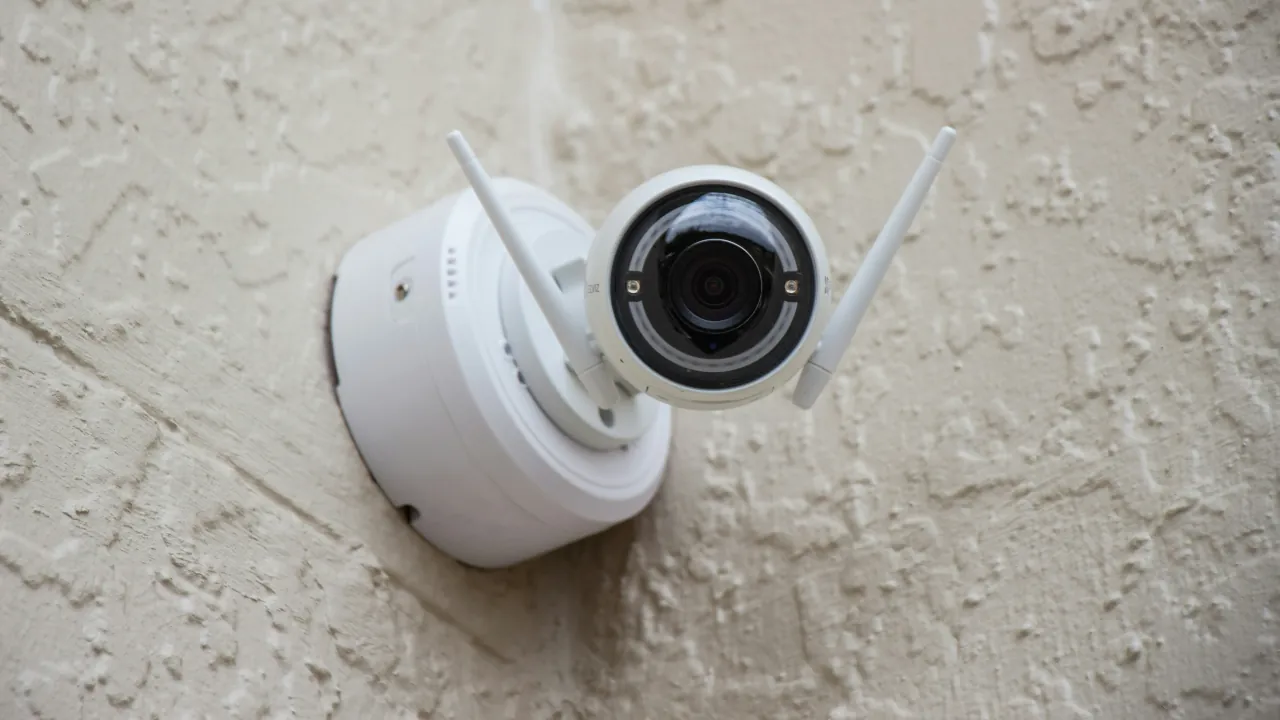
A smart security camera is only useful if it actually catches the action. When your video feed drops or night vision fails, having surveillance becomes pointless. Essential smart camera troubleshooting starts before you decide to replace your hardware. By following a few proven fixes, you can easily resolve the most common video, connection, and recording issues.
Fix a Camera That Keeps Going Offline
Weak wireless signals cause frequent offline drops, especially for cameras installed on exterior walls or far from your main router. If your security gear struggles at the perimeter of your property, you can follow our guide to Stop Losing Wi-Fi in Your Backyard
- Check the power: Verify that the power adapter, battery, or PoE (Power over Ethernet) connection is actually working. A tripped outlet or a dead battery is a very common culprit.
- Do a hard reboot: Unplug the camera, wait a minute for the power to drain entirely, and plug it back in. This flushes out the cache and forces a fresh connection to your network.
- Upgrade your reach: If your camera consistently drops offline during weather changes, your signal is too weak. Move the camera closer, add a Wi-Fi extender, or upgrade to a Mesh Wi-Fi Network
- Tip: Most smart cameras from brands like Ring, Wyze, or Tuya require a 2.4 GHz Wi-Fi network to connect. Think of Wi-Fi bands like vehicles: 5 GHz is a sports car that goes incredibly fast but can not handle rough terrain, while 2.4 GHz is a rugged jeep that easily pushes through exterior walls. Make sure your phone is connected to the 2.4 GHz band during the initial setup!
Solve Grainy Video and Night Vision Failures
Grainy video usually happens when a lack of light triggers aggressive image compression, or when network congestion aggressively throttles your bandwidth.
- Clear the view: Clean the lens. Smudges, dust, or rain spots are the most direct cause of a blurry focus.
- Fix overexposure: Avoid pointing the camera directly at light sources. Turn on WDR (Wide Dynamic Range) in the settings to balance harsh lighting, and ensure your IR lights are not bouncing off a nearby wall to blind the lens.
- Unstick the IR filter: If your night vision is totally black despite seeing the red glow of the IR LEDs, the internal IR cut filter is likely physically stuck. Power cycling the camera for 30 seconds can usually force it to snap back into place.
- Tip: Never point an indoor camera out of a glass window to monitor the outside. The glass will reflect the camera’s own IR lights straight back into the lens, causing a completely washed-out image.
Tame Annoying Motion Detection Alerts
Getting notified every time a tree branch blows is the fastest way to start ignoring your security system.
- Shrink your zones: Redraw your motion detection zones so they only cover vital entry points. Explicitly exclude busy streets, sidewalks, and blowing trees.
- Adjust sensitivity: Turn the overall sensitivity slider down from the default setting to reduce false alarms.
- Prevent missed events: If the camera isn’t catching real people, do the opposite: expand your detection zones, increase the sensitivity, and reduce the cooldown period between recordings.
- Tip: If your camera app offers a “Person Detection” or AI filter, turn it on immediately. This tells the camera to ignore passing cars and only trigger an alert when a human walks into the frame.
Recover Missing Recordings
A camera is completely useless if it forgets to save the footage.
- Check Local Storage (SD Cards): Verify your MicroSD card isn’t full or corrupted. Cameras require FAT32 or exFAT formatting; if the card is accidentally formatted to NTFS, it will not record.
- Check Cloud Storage: Ensure your subscription hasn’t expired and you have not unexpectedly hit a storage limit.
- Update Firmware: Running outdated firmware can cause weird recording bugs and unstable connections. Always check for updates in your camera app.
- Tip: If your video struggles to upload to the cloud, test your home network’s upload bandwidth. Even fast internet plans sometimes throttle upload speeds, causing video saves to fail.
When to Call It Quits (or Call a Pro)
It is time to replace the camera entirely if the IR LEDs have permanently failed, the lens is physically damaged, the manufacturer discontinued software support, or the camera repeatedly drops off the network even with a perfect signal.
Contact a professional or the manufacturer if you notice physical damage, smell burning plastic, or have a hardware defect like a stuck IR filter that refuses to reset. For complicated in-wall PoE wiring issues, hiring a low-voltage professional is much safer than trying to fish cables out of your ceiling yourself. If a hardwired NVR (Network Video Recorder) system drops multiple cameras all at once, the central power supply or network switch might be failing.



