
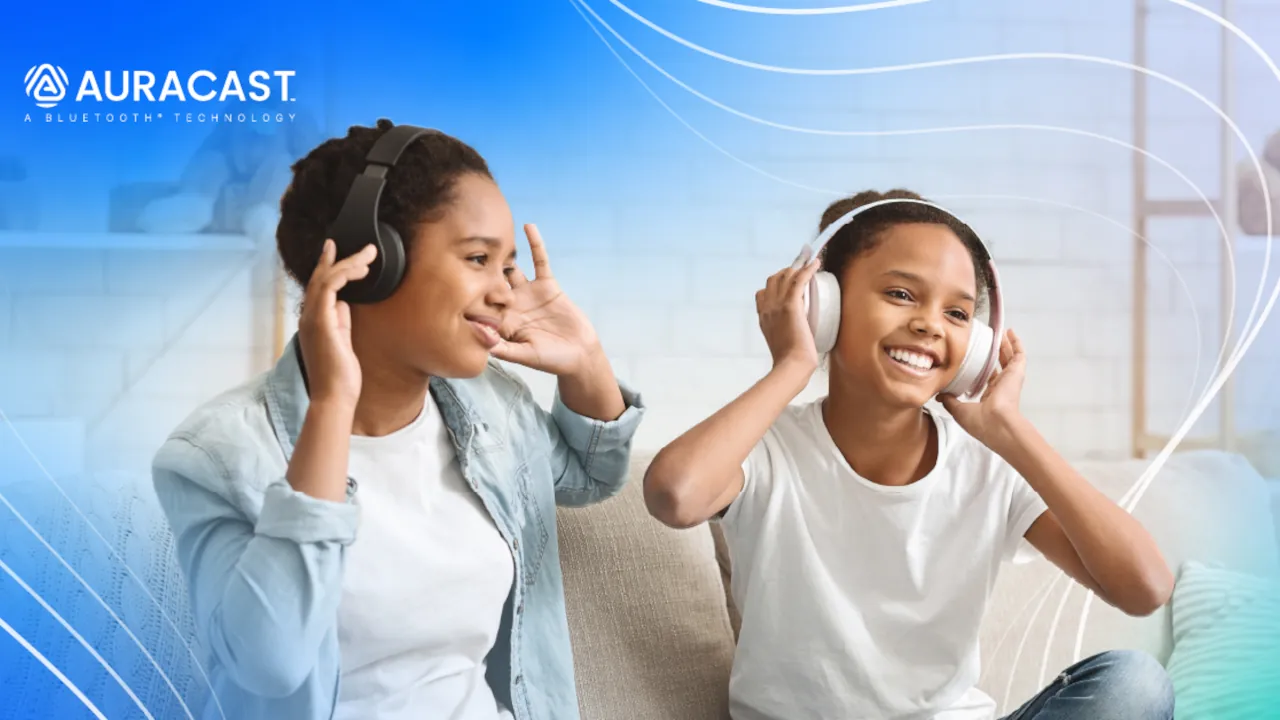
For years, connecting multiple headphones to one TV was close to impossible. If you wanted to watch a late-night movie with a partner without waking the house, you were out of luck. Standard wireless connections simply could not handle streaming high-quality sound to several devices at once. Now, an upgrade called Bluetooth Auracast is changing how home audio works.
What you need
- A TV that broadcasts Recent LG, Samsung and Panasonic models (list below)
- Or a transmitter An Auracast adapter on the optical or HDMI ARC port
- Headphones Any pair with Auracast built in
- Listeners No fixed limit in the standard, though some TVs set one
How the Private Radio Station Works
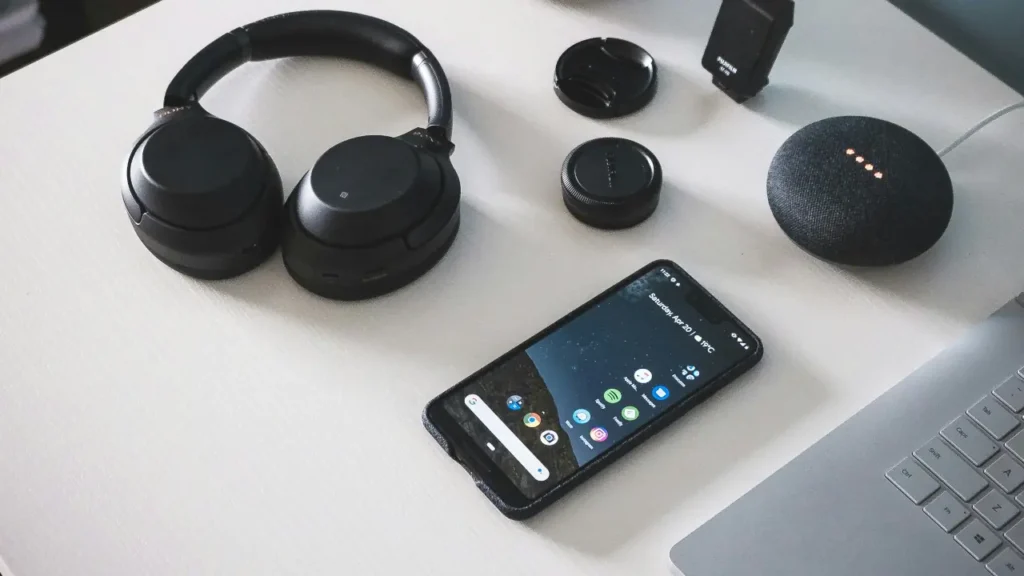
Instead of forcing a direct and exclusive pairing process, Auracast transforms your source device into an audio broadcaster. Think of it like setting up a private radio station right in your living room. Your TV or smartphone transmits a single audio signal into the room. From there, any number of compatible headphones or smart speakers can simply “tune in”. They lock onto that broadcast and hear the audio in sync.
Which TVs Support Auracast
Support is still limited to newer and mostly higher-end sets. Based on the most complete public list we could find, last updated in April 2026, these are the main ones:
- LG: The 2025 OLED range (G5, C5, B5 and M5) and QNED models from the QNED85A upward.
- Samsung: Selected higher-end Neo QLED 4K, Neo QLED 8K and Micro LED models from 2023 onward.
- Panasonic: Recent OLED and Mini LED models such as the Z95B, Z90B and W95B, added through a firmware update in December 2025.
- Sony: Has said support is coming, depending on model and region.
Budget brands such as TCL and Hisense were not on that list. Features like this also vary by country, so check the specification sheet for your exact model before you buy a TV for it.
How to Turn It On
The menu names differ per brand, but the steps are the same everywhere:
- Update the TV. On several models Auracast arrived in a software update, so install the latest version first.
- Open the sound settings. Look for Auracast or audio broadcast. On LG sets it sits in the sound settings menu.
- Start the broadcast. The TV now sends out its audio for anyone in range to join.
- Join from each pair of headphones. Open the companion app of the headphones, or the audio sharing menu on your phone, and select the broadcast from your TV.
- Set your own volume. Each listener adjusts their own level.
Expect a few rough edges. In one test of the LG rollout, every headset needed its own app to find the stream. Samsung started out by limiting the feature to two pairs of its own Galaxy Buds2 Pro. Some owners also report that the TV speakers go quiet while a broadcast is running, so try it once before movie night.
If Your TV Does Not Have It
You do not need a new television. A small Auracast transmitter plugs into the optical or HDMI ARC port of almost any TV and does the broadcasting instead. Sennheiser sells one called the BTA1 for $129.95, with a range of up to 50 meters, and bundles it with a pair of TV headphones as the RS 275 for $299.95.
Which Headphones Work
This is the part people miss. Auracast has to be built into the headphones as well. Regular Bluetooth headphones cannot tune in, even if they are only a year or two old. Recent Samsung Galaxy Buds support it, as do the Sennheiser RS 275 and a growing number of earbuds and hearing aids. If you are not sure about yours, search the model name together with the word Auracast before you count on it.
Real-World Smart Home Benefits
This broadcast technology opens up some very practical uses for your household.
- Late-Night Viewing: Two or more people can finally watch a movie together using wireless earbuds. Each person can also set their own volume.
- Multi-Room Audio: You can broadcast a playlist from your phone to multiple Auracast-enabled speakers. This avoids the need for a spotty Wi-Fi network.
- Guest Sharing: Friends can instantly listen to the song you are playing. They scan a quick QR code to join your audio stream, skipping the pairing menus entirely.
- Hearing Support: Many new hearing aids can receive Auracast, so someone who struggles with TV dialogue can listen at their own volume while everyone else uses the speakers or their own earbuds.
Image Credit: Bluetooth SIG



