
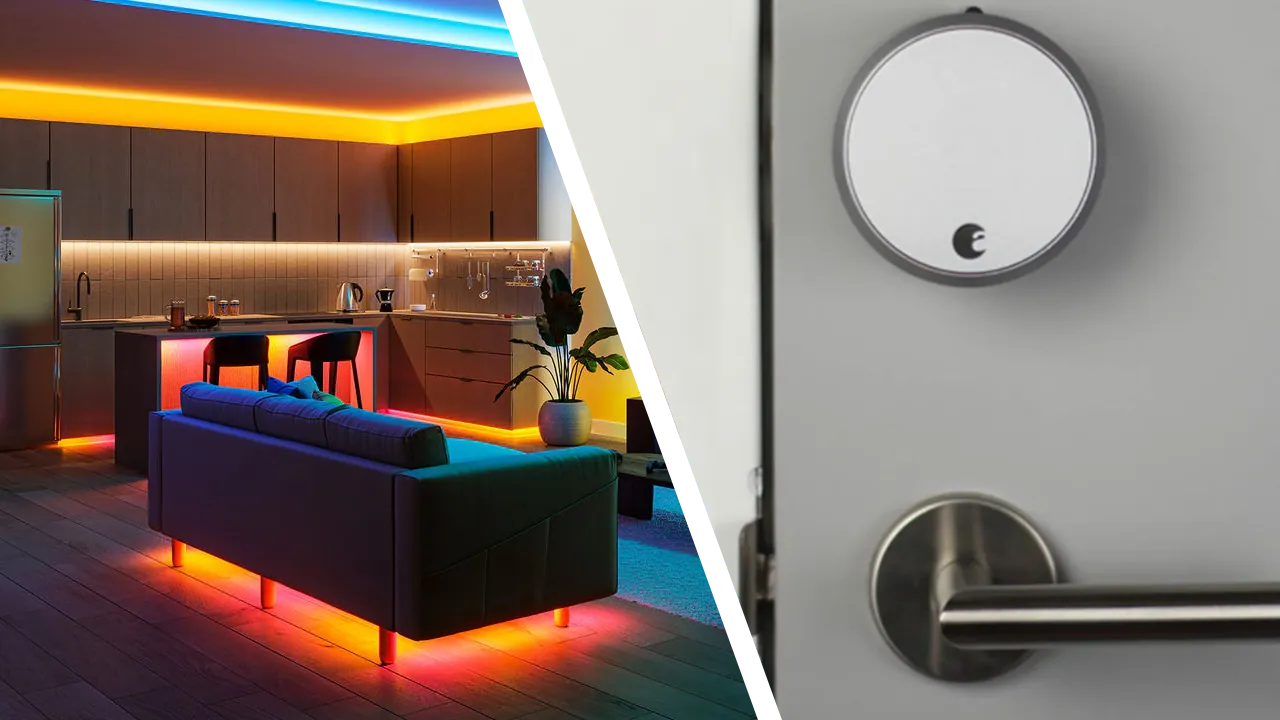
A friend recommends a Z-Wave door lock, and suddenly your Philips Hue lights feel like they might be running on the wrong protocol entirely. Zigbee and Z-Wave both let devices talk to a hub without needing a live internet connection, yet they solve that problem with two different radio frequencies. Owning Zigbee gear does not put you behind. The real question is not which protocol wins. It is which one is actually built for the job you are asking it to do.
Does the 2.4GHz Overlap Actually Matter?
Zigbee shares its main radio frequency, 2.4GHz, with your Wi-Fi router and every Bluetooth speaker in the house. Z-Wave avoids that entirely, operating on its own dedicated Sub-GHz frequency well below the noise of every other wireless gadget you own. On paper, that sounds like a real strike against Zigbee.
In practice, it rarely causes trouble in a typical household. Picture the 2.4GHz band as a shared hallway inside an apartment building. Wi-Fi, Bluetooth, and Zigbee each get their own door off that hallway. Modern Zigbee coordinators, including the one inside a Philips Hue Bridge, can select a channel that sits between your router’s busiest Wi-Fi channels. Interference becomes more likely in a crowded apartment building packed with dozens of neighboring routers, but a single-family home rarely pushes Zigbee hard enough to notice a difference.
What Zigbee Does Best in Your Home
Zigbee earned its dominance in lighting and sensors for good reason. The protocol carries two decades of refinement, which keeps hardware costs low and battery life long. Brands like Philips Hue and Aqara built entire ecosystems on top of it. That scale means Zigbee bulbs, plugs, and motion sensors are everywhere, often at a fraction of the price of a comparable Z-Wave device.
This is also where Zigbee’s mesh network shines most. A house with twenty Zigbee bulbs is a house with twenty potential signal repeaters, so larger lighting setups get more reliable as they grow rather than less. If your smart home started with a Hue Bridge, staying on Zigbee for lighting and sensors remains the practical choice, not a compromise you need to fix.
Why Z-Wave Claimed the Lock and Alarm Lane
Locks and alarm panels ask more of a wireless signal than a light bulb does. A deadbolt needs to reach a hub through exterior walls, and it needs to keep working even when a neighbor’s Wi-Fi network gets congested. Z-Wave’s dedicated frequency was built for exactly that job, which is why professional security brands lean on it so heavily. We cover why Z-Wave dominates smart locks in more depth if you are shopping for a deadbolt specifically.
Z-Wave also closes a gap Zigbee has never fully solved: guaranteed interoperability. The Z-Wave Alliance certifies every Z-Wave device to work with every other certified Z-Wave hub, regardless of manufacturer. Zigbee technically allows this too, but hub-specific quirks between brands still show up more often in practice, especially with older devices.
You Do Not Need to Pick Just One
None of this means you need to replace anything. A Hue lighting setup and a Z-Wave lock can live in the same house without ever fighting for bandwidth, since they were never competing for the same radio space to begin with. Multi-protocol hubs like the standard Hubitat Elevation C-8 Pro already run Zigbee 3.0 and Z-Wave 800 natively from a single box, with Matter 1.5 support on top. That kind of bridging fits neatly into why a local-first smart home setup keeps gaining ground over cloud-dependent gadgets, and it echoes the same coexistence conclusion our Zigbee versus Thread comparison reached on the lighting side.
The right approach is rarely picking one protocol for the whole house. It is understanding why your alarm panel and your porch light were never trying to solve the same problem, and letting each one do the job it already does best.
Image Credit: Left: Signify / Right: August (Lifestyle Photos)



