
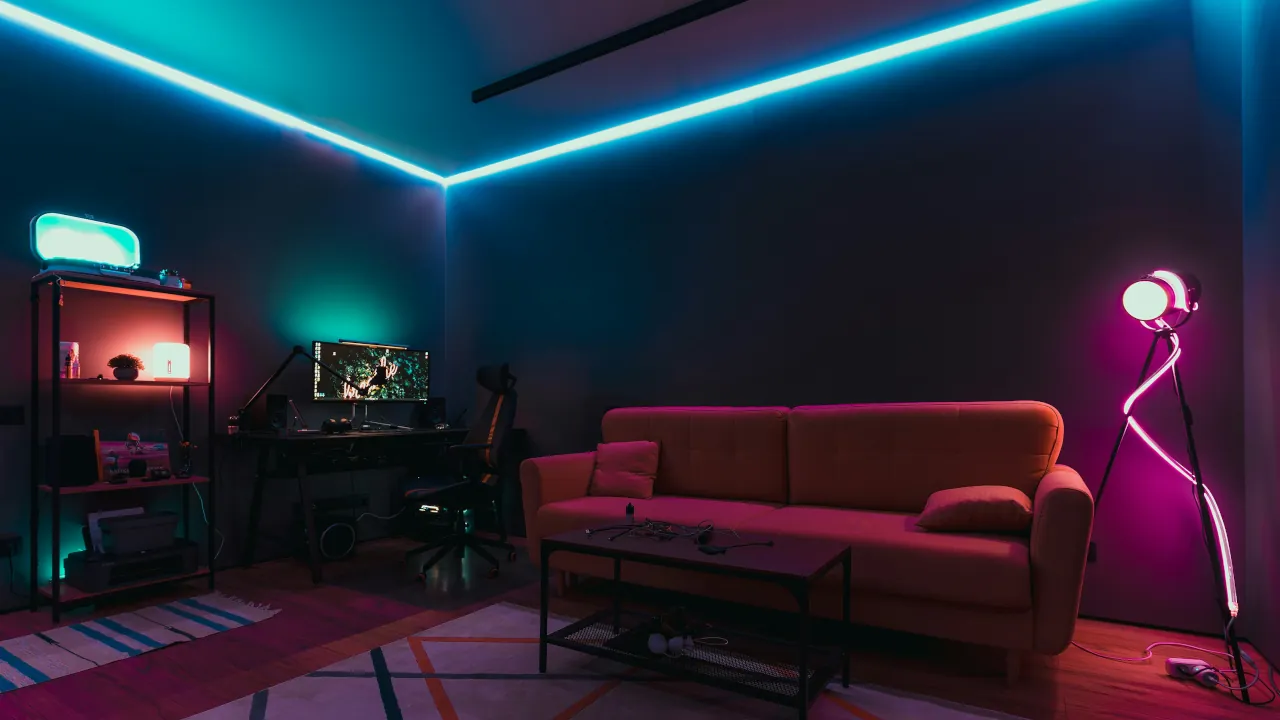
Are you ready to dip your toes into smart home technology? A smart light bulb is a perfect place to start. You do not need to be a network engineer to upgrade your lighting. You simply swap out your old bulb, download an app, and suddenly you can control your living room lighting from the couch. However, walking down the lighting aisle or browsing online can feel overwhelming. Do you need a hub? What does color temperature mean? This guide will break down exactly what you need to know to make your smart bulb purchase a complete success.
Wi-Fi Direct vs. Smart Hubs
The very first decision you must make is how your new bulb will connect to your home. There are two main paths.
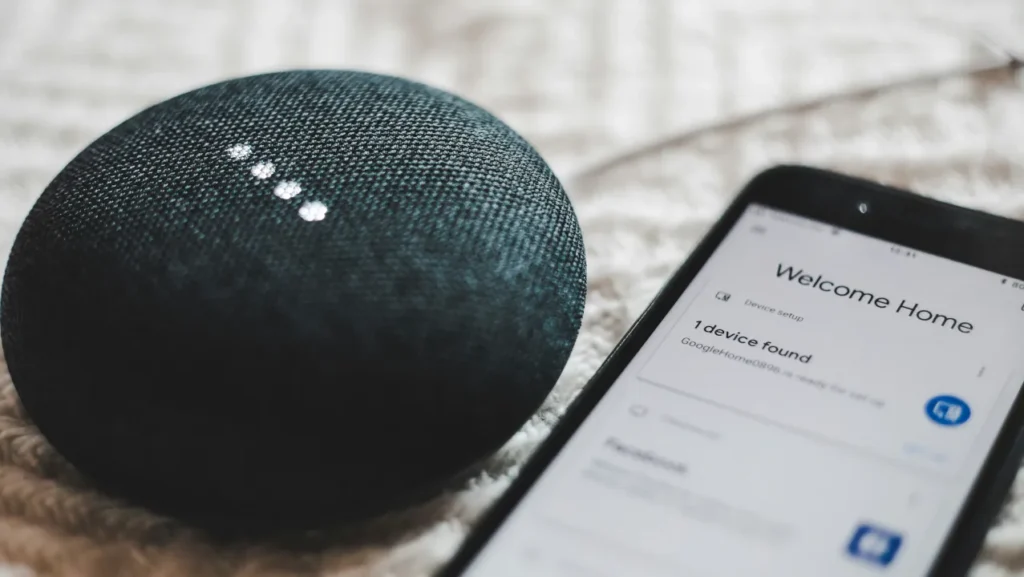
Wi-Fi smart bulbs connect directly to your existing wireless router. Brands like TP-Link Tapo and Govee offer great options that are ready to go in minutes. You do not have to buy any extra equipment. This makes Wi-Fi bulbs perfect if you only want to test out one or two smart lights in your bedroom or kitchen. The downside is that if you eventually add fifty Wi-Fi bulbs, they might crowd your wireless network and slow down your internet speed. While Wi-Fi is great for a single bulb, dedicated networks offer far better stability. See our breakdown on Why Z-Wave Beats Wi-Fi for Smart Homes to learn more about keeping your network uncluttered.
Hub-based systems, like the famous Philips Hue starter kit, require a small separate box plugged into your router. This hub acts like a dedicated traffic controller for your lights. It uses a different wireless signal (often called Zigbee) so your lights do not compete with your laptop or streaming television. For a full breakdown of how these specific hub networks operate, read our article on Zigbee vs Thread in 2026: Should You Upgrade?. If you plan to eventually deck out your entire house with smart lighting, a hub is the most reliable long-term investment.
Understanding Lumens and Color

When looking at the box, ignore the traditional wattage number. Instead, look for lumens. Lumens measure exactly how bright the bulb will be. A standard 60-watt incandescent bulb equals about 800 lumens. If you want to light up a large living room, you might want to look for a brighter option, such as the 1100-lumen models available today.
You also need to decide between tunable white bulbs and full-color bulbs. Tunable white bulbs are usually much cheaper. They let you adjust the color temperature from a crisp, cool white for reading to a warm, cozy yellow for relaxing. Full-color bulbs cost more, but they unlock millions of colors. They are fantastic for hosting movie nights or setting up holiday decorations.
The Matter Standard
You might see a new logo on bulb packaging called Matter. Think of Matter as a universal translator for smart home devices. In the past, you had to carefully check if a bulb worked with Apple Home, Google Home, or Amazon Alexa. Now, if you buy a bulb with the Matter logo, it is guaranteed to work with all of them seamlessly. This is a massive stress reliever because you do not have to worry about buying the wrong brand. If you want a deeper dive into how this new protocol pairs with modern mesh networks, check out our guide on Why Your Smart Home Needs Matter and Thread.
Beyond Wi-Fi: The Power of Thread
If you already own a newer smart speaker or hub, such as an Apple TV 4K or a Google Nest Hub, you should look for bulbs that specifically advertise “Matter over Thread“. Standard Wi-Fi bulbs connect directly to your router. If you add too many, they can crowd your network and slow down your streaming devices. Thread is a completely separate, low-power wireless network just for smart home devices.
Think of Thread like a bucket brigade. Instead of every single bulb shouting across the house to reach your router, Thread devices pass the signal to each other. This creates a self-healing mesh. The more Thread bulbs you add, the stronger and faster your network becomes. It is incredibly fast, operates entirely offline, and will not bog down your primary Wi-Fi.
Pros and Cons of Smart Bulbs
Here is a quick summary of what to expect when you upgrade.
Pros:
- Control your lights from anywhere using your smartphone.
- Set schedules so you never walk into a dark house.
- Lower your energy bill by using highly efficient LED technology.
Cons:
- They cost more up front than standard dummy bulbs.
- Physical wall switches must remain in the “on” position at all times.
- Internet Outages: With older Wi-Fi bulbs, if your home internet goes down, you lose app control. Fortunately, using a local hub or the Matter standard solves this, keeping your lights responsive even when your internet provider has an outage.
Who Should Buy What
If you just want to try out a single smart light, buy a hub-free Wi-Fi bulb. It is cheap, easy, and requires zero commitment. If you are ready to transform your entire property, invest in a Philips Hue starter kit or build out a Thread mesh network. A dedicated hub or Thread setup will keep your local network running smoothly no matter how many lights you add. If you are still mapping out your upgrade strategy, check out our guide to Build a Smart Home on Any Budget to see exactly how to scale your system without overspending.



