
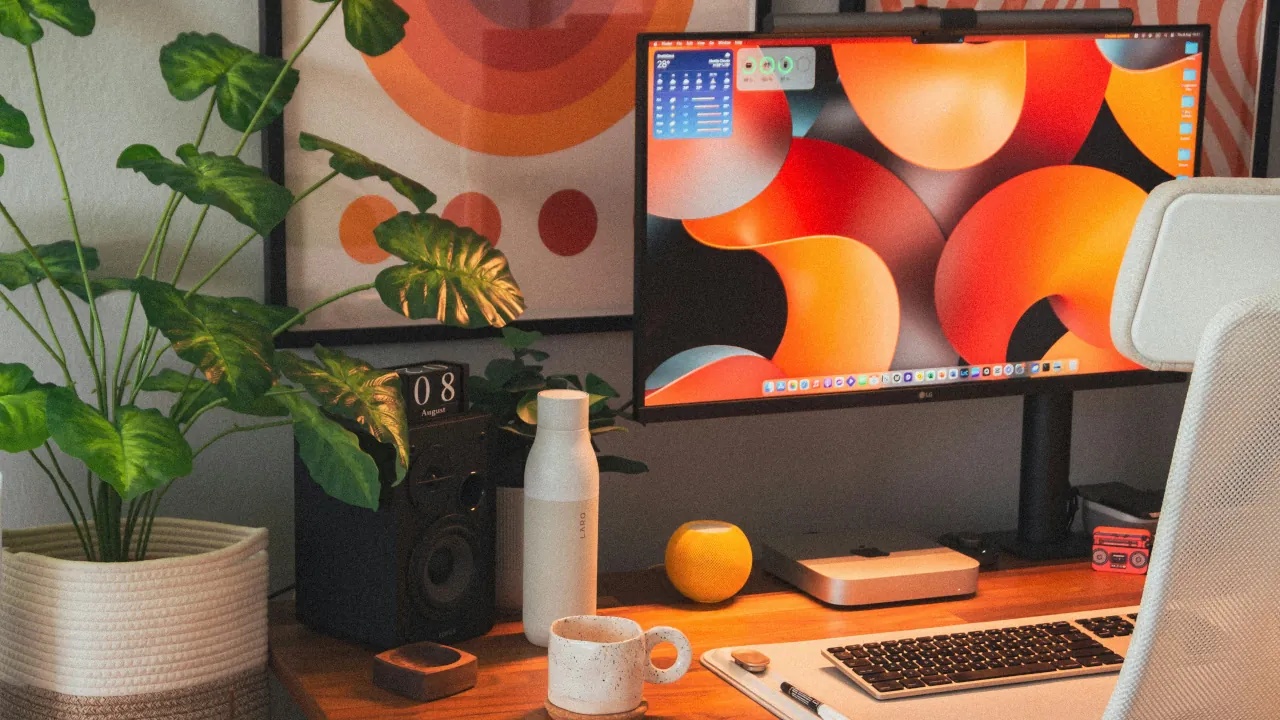
A home office does not need a single new gadget to feel smarter. It needs the devices already in the room, or a handful of inexpensive ones, working together without you thinking about them. The ideas below range from a single smart plug to a fully sensor-driven setup, organized so you can start wherever your current setup allows and add more later.
Just a Smart Plug or Bulb
Every automation in this tier works with nothing more than a smart plug or a smart bulb and a basic routine or schedule in your existing app. If none of this sounds familiar yet, our guide to starting a smart home on any budget walks through four starting points depending on how much you want to spend.
End-of-Shift Lighting Shift
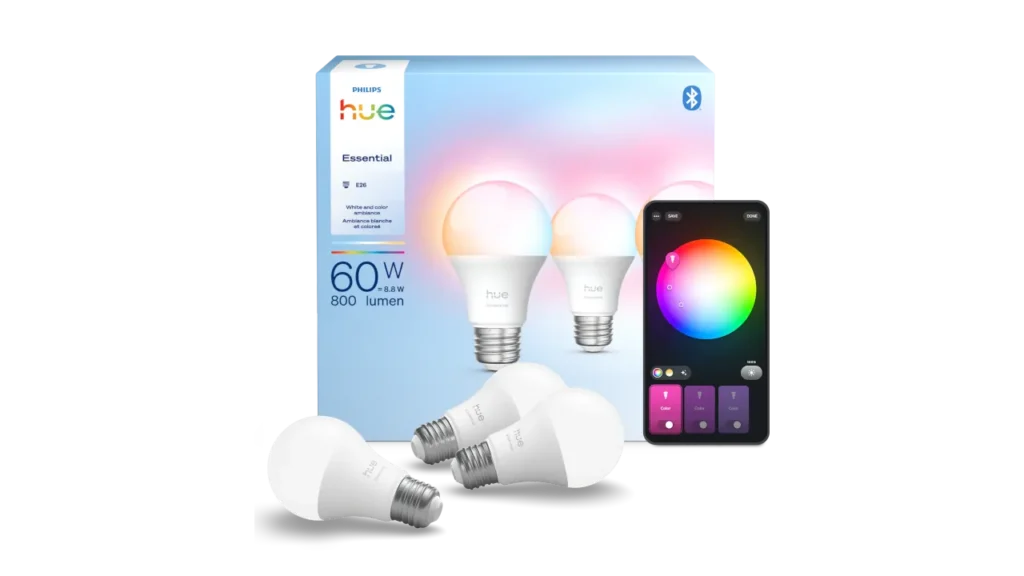
Image Credit: Signify / Philips Hue
Set your desk light to shift to a warmer, dimmer tone at a fixed time, or trigger it manually with a single tap or voice command when you close your laptop. The color change acts as a physical signal that work has ended, which matters more than it sounds once the workday and the rest of your evening start blending together in the same room. A color-capable bulb like the Philips Hue Essential Starter Kit covers this along with the meeting light and video call scenes further down this list. If you are still deciding between a Wi-Fi bulb and a hub-based setup, our guide to choosing a smart bulb walks through the tradeoffs.
After-Hours Charger Kill Switch
A smart plug set to cut power at a fixed time after your shift ends stops a laptop charger from drawing standby power all evening. The same plug can just as easily power down a monitor, dock, or desk lamp on the same schedule. A basic model handles this without needing a hub, or see our comparison of Matter smart plugs for other options at different price points.
Fan Control for Summer
A desk fan on a smart plug can switch on automatically once the room crosses a comfortable temperature threshold, and switch off the moment you step away for a break or end your shift. This avoids the common problem of a fan running for hours in an empty room, which is a small but constant waste of power.
Pre-Break Coffee Trigger

Timing a coffee maker to start a few minutes before your scheduled break saves the wait once you actually sit down. This works well with a standard drip coffee maker, since applying power is often enough to start a pre-loaded brew cycle. It works less well with an electric kettle. Most kettles draw enough current to sit right at or above what many smart plugs are rated for, the same concern that applies to air heaters, and because the kettle’s switch latches mechanically rather than releasing when power is cut, restoring power later can cause it to resume heating unattended. Our guide on what should never go on a smart plug covers this same amperage issue in more detail. If a kettle is part of your routine, look for a WiFi-native model built for scheduling instead.
Monitor Light Bar on a Smart Plug
Most monitor light bars connect to your screen or computer over USB rather than to a smart home platform directly, which means they cannot usually be scheduled or voice-controlled on their own. Plugging the light bar’s USB power adapter into a smart plug instead solves this, and it is a good example of a wider point that applies across this whole list: almost any device that plugs into a wall can become automatable once a smart plug sits between it and the outlet. Set it to switch on automatically once natural light drops in the late afternoon or during darker winter months.
Sensors, a Hub, or an Automation Platform
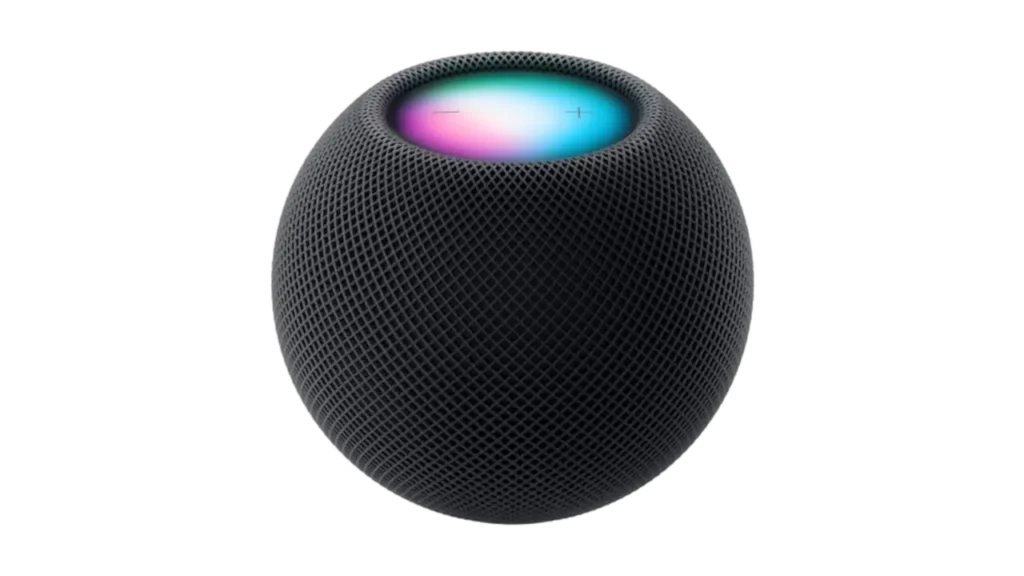
Image Credit: Apple
The automations below need more than a plug and a schedule. Most rely on a sensor triggering a condition, which usually means a smart home hub or a platform like Home Assistant tying everything together. Our guide to why Matter and Thread matter explains what that foundation looks like and why it matters once you start combining several device types.
Hourly Stretch Reminder
A recurring routine on a smart speaker or display prompts a spoken or visual reminder every hour to stand up and move. This is simpler than it sounds to set up, since most voice assistant apps support repeating routines natively, though it works better paired with a physical or visual cue rather than sound alone if your office shares space with calls or focused work.
Air Quality and CO2 Monitoring
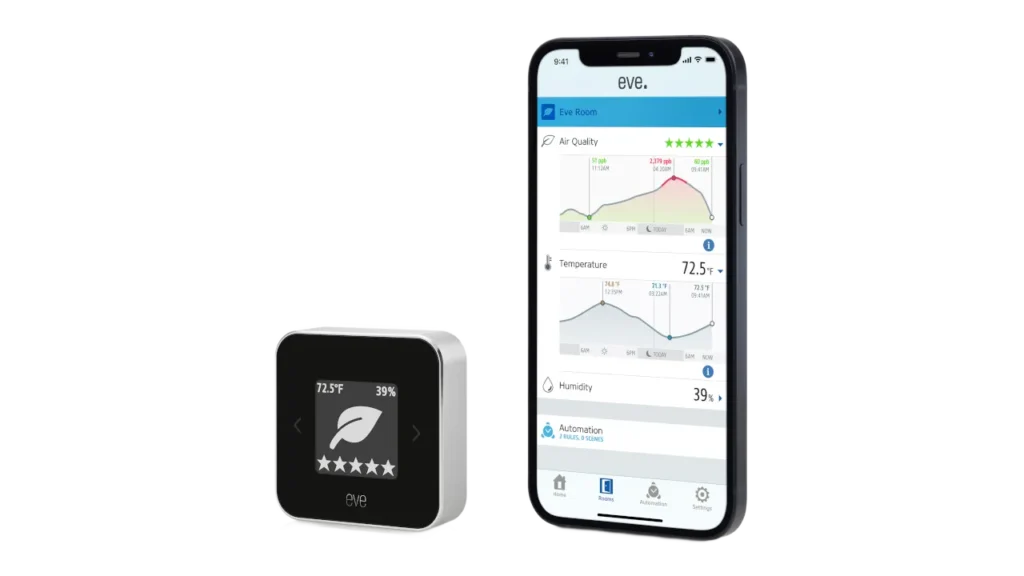
Image Credit: Eve
A closed home office is exactly the kind of space where the air gradually gets worse without anyone noticing, and the fix depends entirely on which problem you are dealing with. PM2.5 and CO2 measure two different things and need two different sensors, one of the more common mixups in smart air quality setups. Our full breakdown of PM2.5 and CO2 sensors, and which sensor belongs in which room covers this in depth. The short version for a home office: CO2 is usually the more relevant metric. It is the closed-door buildup that causes mid-afternoon fog, not dust or particles. Pair it with a “time to open a window” notification rather than a purifier, since a purifier does not meaningfully affect CO2 levels.
Curtain and Blind Glare Control
A desk facing a window often deals with either direct glare on the screen or a blinding reflection at certain times of day. A light sensor set to a brightness threshold, or a sun position calculation on a platform like Home Assistant, can trigger a motorized curtain or blind to close partway at the right moment. Retrofit motors like the SwitchBot Curtain 3 clip onto an existing curtain rod or track without needing to replace the curtains themselves, which makes this one of the more approachable Tier 2 additions. If your setup already leans on the Zigbee ecosystem, our guide to retrofitting existing curtains covers the Aqara Curtain Driver E1, a similar no-wiring option worth considering as an alternative.
Meeting-Status Light
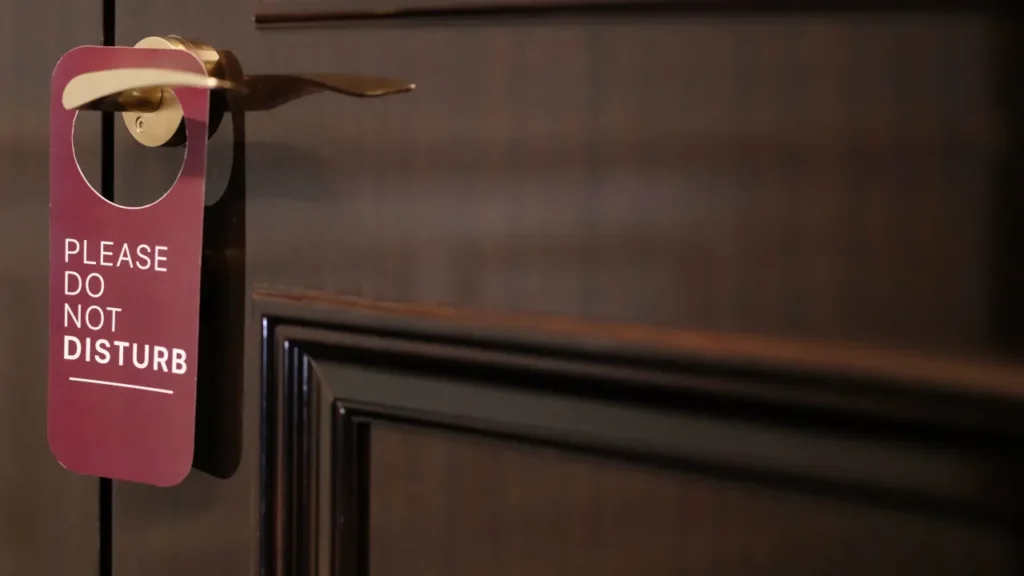
A bulb or LED strip visible from a shared space, set to turn red or a similar clear color, tells household members not to interrupt during a call. Calendar sync handles this well for scheduled meetings, pulling directly from a work calendar to trigger the light automatically. For anything unscheduled, a simple voice command such as “I am going into a meeting” can trigger the same routine manually, which covers ad hoc calls without needing extra hardware or software installed on a work laptop. Our fix for voice assistant naming issues is useful if voice commands are not reliably triggering the right device or routine.
Automated Pet Entertainment
Working from home with a dog usually means dealing with requests for attention right in the middle of a focused task. You can solve this by integrating a voice-controlled treat dispenser or a smart puzzle feeder into your home office setup. If your dog gets restless during a video call, you can whisper a quick command to your voice assistant to dispense a reward for quiet behavior, all without looking away from your screen. To explore exactly how to set this up and which devices require the most mental focus from your pet, our guide on how to keep your dog busy while working breaks down the top options for remote foraging.
Phantom Load Monitoring
A smart plug with built-in energy monitoring, like the Emporia Smart Plug, shows exactly how much power a desk setup draws even when everything appears to be off. This is often higher than expected across a monitor, dock, and charger left plugged in overnight, and it pairs naturally with the after-hours charger kill switch above as a way to see the actual savings.
The End-of-Day Unplug Scene

Rather than triggering each automation above separately, a single scene fired at the end of your shift can chain several together at once: monitor light off, charger plug off, fan off, curtains closed, and desk lighting shifted to its evening tone. Most smart home apps support building a scene like this from existing devices, so it does not require anything new beyond what the rest of this list already covers.



